NerthaLace · Worked example
Keep tatting stitch counts in sync across a diagram and written steps
Changing a chain from 6 + 6 to 8 + 8 should update every place that count appears. This exercise makes one small variation and shows what should change in the diagram and text, and what should stay the same.
By Perunlight · AI-assisted. Original demonstration files; example data independently recalculated without the application code. Published .
Start with four ordered units
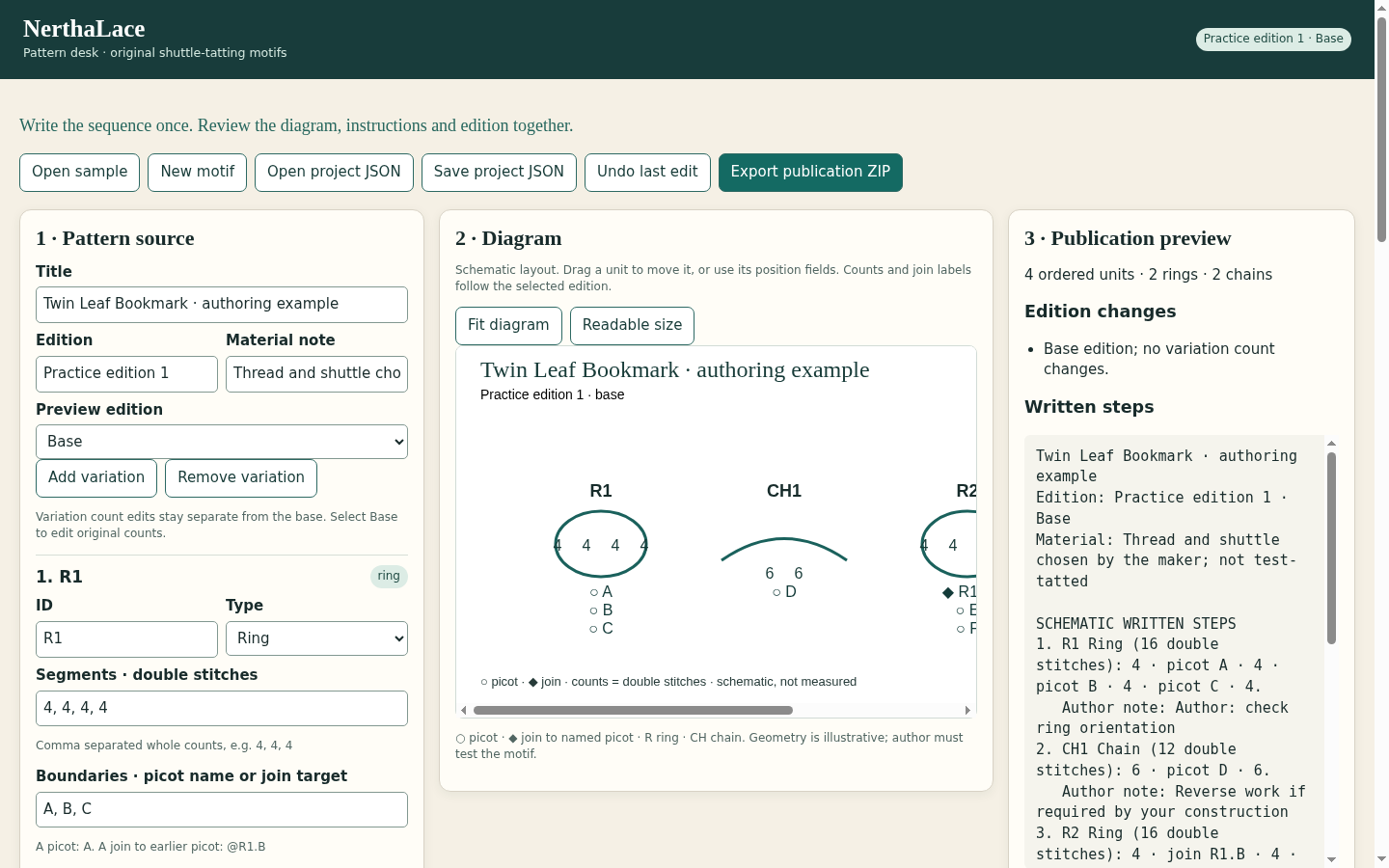
The free Twin Leaf Bookmark authoring example contains two rings and two chains in this order: R1, CH1, R2, CH2. It is a schematic software exercise, not a physically test-tatted bookmark. The title describes the authoring example; it is not a promise about the finished lace.
Base counts
R1     4 + 4 + 4 + 4 = 16 double stitches
CH1    6 + 6         = 12 double stitches
R2     4 + 4 + 4 + 4 = 16 double stitches
CH2    6 + 6         = 12 double stitches

R2 boundary 1 joins the earlier named picot R1.B.
Picot labels A through G identify the named points in the example. A join target is a reference to a specific earlier picot, not just a decorative line drawn near another ring.
Change the chains while preserving the base
Open the sample in NerthaLace and select the Longer chains variation. CH1 and CH2 each use 8, 8 instead of 6, 6. Each chain therefore has 16 double stitches. The two rings remain at 16 each, and R2 still joins R1.B.
Unit   Base   Longer chains   Difference
R1       16              16            0
CH1      12              16           +4
R2       16              16            0
CH2      12              16           +4
Total    56              64           +8
The edition comparison should name only CH1 and CH2 as count changes. Moving a diagram element or its label is a layout edit; it should not silently alter stitch counts.
Export the edition you are reviewing
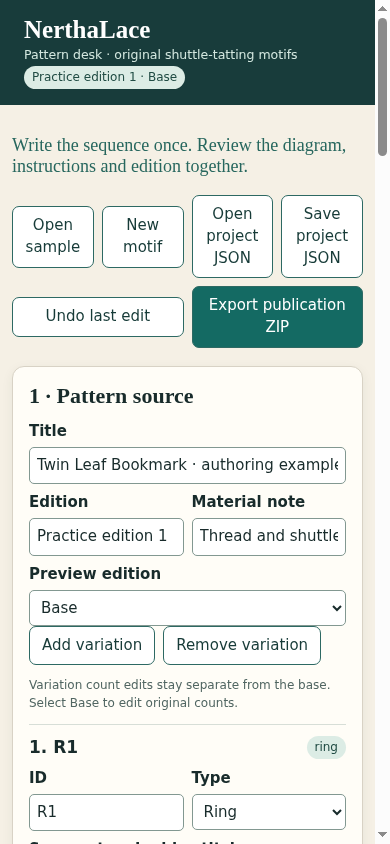
Select the intended edition before using Export publication ZIP. Compare the exported SVG labels, written instructions and saved project against the same four-unit calculation. Keep the base and variation clearly named so a reader can tell which set of counts they are using.
- Both chains use the selected edition’s counts.
- Both rings remain at 16 double stitches.
- R2 still names R1.B as its join target.
- Only CH1 and CH2 appear as count changes in Longer chains.
- The booklet remains legible when printed using the manual’s settings.
Fix a broken reference before publishing
If you remove or rename the target picot, the join needs an explicit repair. A plausible-looking schematic is not enough: the named target must still exist earlier in the sequence. Resolve invalid references before export rather than guessing which point the author meant.
A consistent diagram and text do not prove physical closure, tension, thread choice or finished dimensions. NerthaLace is an authoring tool for the supported ring-and-chain structure. Tat a physical sample and revise your construction notes before presenting a design as a tested pattern.
Recalculate the example independently
We independently read the exact free project JSON, summed the segments, checked boundary counts and resolved its named join without importing NerthaLace code. The base totals 56 double stitches across four units. Longer chains totals 64, with exactly two changed units and the same R2 → R1.B reference.
Expected count changes: CH1 12 → 16 and CH2 12 → 16. The two rings and named join stay unchanged.
These checks concern the written data and schematic publication. No physical lace sample, user testimonial or customer outcome is claimed.
Perunlight product
Use NerthaLace for your own supported projects
Write a small shuttle-tatting motif once, then export matching schematic diagrams, written steps and a printable booklet.
NerthaLace · $19 onceRead the illustrated guide
Downloadable offline edition for desktop Chrome. Print the booklet to PDF through Chrome as described in the manual. The free authoring exercise does not include the paid app.