Step-by-step guide
GefjunScene
Check and export product GLBs against editable Amazon or Shopify profiles in Blender.
For Blender artists preparing product GLBs for a retailer or client handoff.
Before you start
- Blender 4.5 LTS or 5.2.2 LTS tested on Linux x64.
- The inner gefjunscene-1.0.0.zip from the purchased bundle and a saved .blend file.
Your first result
Install from disk
Extract the purchased bundle, then install the inner extension ZIP from Blender Preferences → Get Extensions.
Audit and export
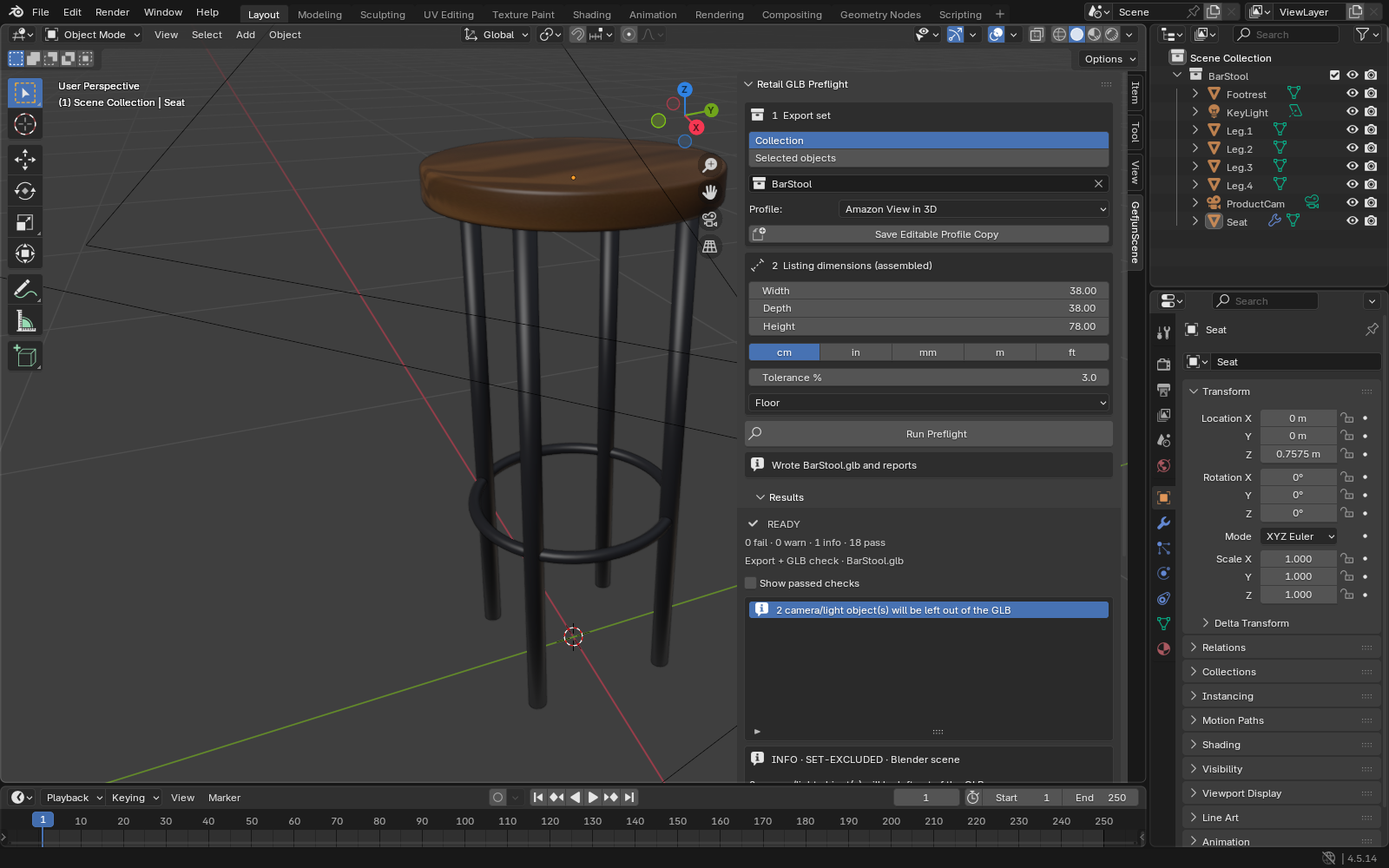
Open the sample stool scene, choose a profile, inspect preflight findings, apply selected fixes and export GLB plus report.
Remove
Uninstall GefjunScene from Blender Preferences → Get Extensions; remove the extracted bundle if desired.
A worked example
Prepare a fictional bar stool GLB
Input: The included bar_stool_problem.blend and Amazon example profile.
- Run preflight, apply selected undoable fixes, export, then read the post-export report.
Expected result: A local GLB and HTML/JSON report. A retailer can still reject a model; appearance requires human review.
Troubleshooting
Installation or export fails
Check the supported version and package contents, then contact support with the version, OS and exact error; use fictional data for a sample.
Compatibility & limits
- No retailer upload or network connection. Reports can include local paths and model details; review before sharing.
- Khronos format validation alone does not confirm a retailer accepts a model.
Need a hand?
Tell us the product, host application and version, what you tried, and the exact error. Contact support with a fictional example; keep private customer files and passwords out of your message.