Step-by-step guide
HermodLens
Scope PDF accessibility remediation from documents linked on selected website pages.
For small public-sector web teams or accessibility agencies scoping document remediation.
Before you start
- Google Chrome with Developer mode and Load unpacked permitted; tested with Chrome for Testing 152.0.7977.8 on Linux.
- Extracted HermodLens-1.0.0.zip and an authorised site or fictional example.
Your first result
Install unpacked
Extract the purchased ZIP, open chrome://extensions, enable Developer mode and Load unpacked from its extension folder.
Collect and inspect
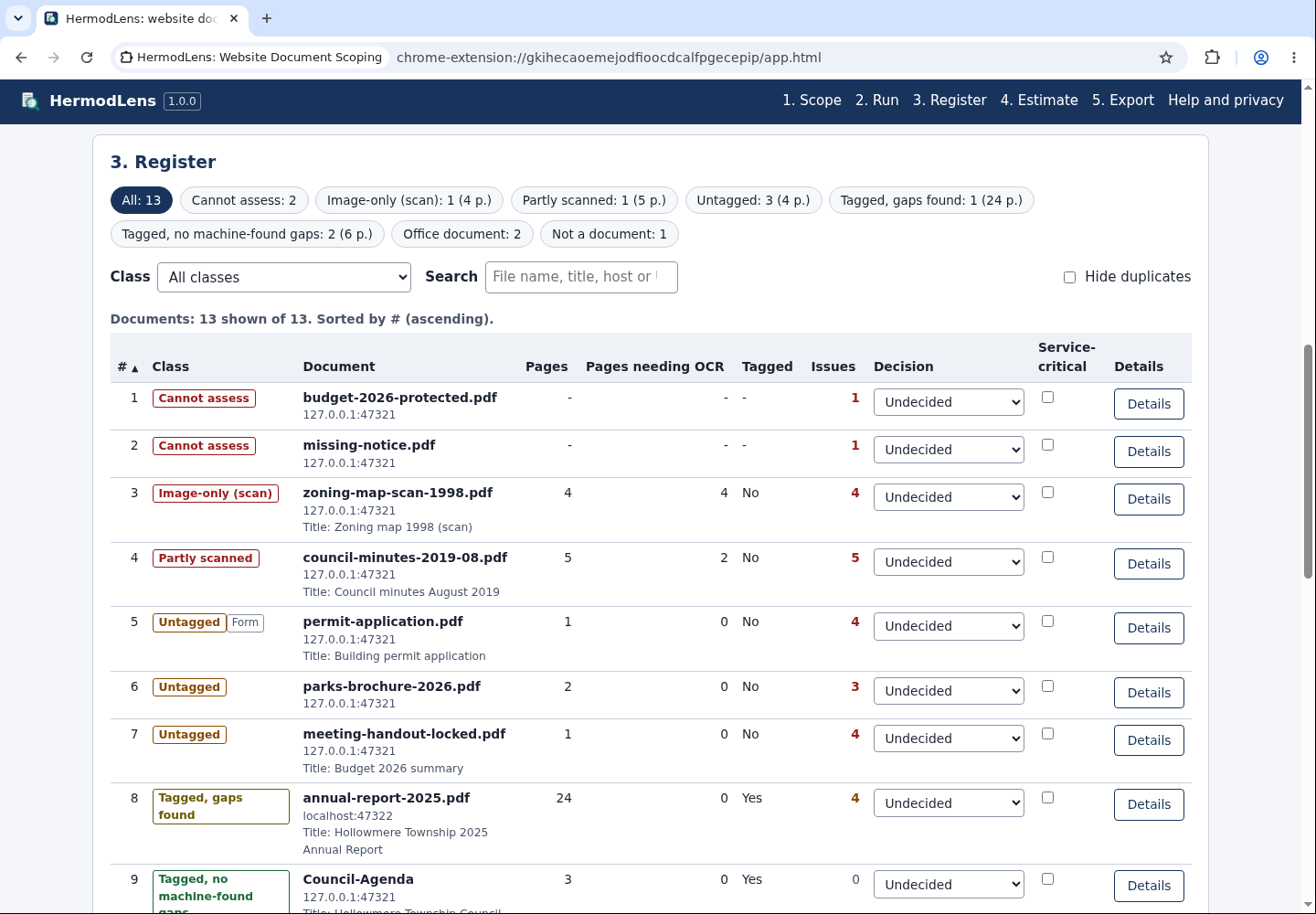
Choose authorised pages, collect their document links and run local PDF triage.
Export or remove
Review the register and estimate; export CSV, HTML or JSON. Remove the extension at chrome://extensions and delete the extracted folder.
A worked example
Scope a fictional township site
Input: The included Hollowmere Township pages with linked PDFs and Office documents.
- Collect linked files, inspect PDF classes, enter your own page rates and export a remediation register.
Expected result: A local document register with page counts, classes and a low-high estimate; it does not certify accessibility.
Troubleshooting
Installation or export fails
Check the supported version and package contents, then contact support with the version, OS and exact error; use fictional data for a sample.
Compatibility & limits
- Selected documents are processed locally. Exported registers can contain URLs and document details; review before sharing.
- Machine checks do not replace an accessibility audit, OCR, legal review or a remediation quote.
Need a hand?
Tell us the product, host application and version, what you tried, and the exact error. Contact support with a fictional example; keep private customer files and passwords out of your message.