Step-by-step guide
IdunnBacklist
Update a shared author biography and book list across supported finished EPUB 3 books, with a separate approval for each replacement.
Use this when each book already has a separate author/catalog page and you want reviewed replacements from one shared catalog. Selecting a page replaces all its contents. A page combined with your final chapter must be split in your authoring tool first.
Before you start
- Desktop Chrome on Linux; Chrome 152 was tested. Keep the extracted app/ folder and its sibling files together.
- Supported DRM-free, reflowable EPUB 3 books with one package and a standalone XHTML reading-order page containing exactly one h1.
- A catalog using the supplied seven-column CSV format and your own HTTPS destinations. Keep backup copies of all original EPUBs.
Your first result
Open the fictional backlist
Extract the complete archive, open
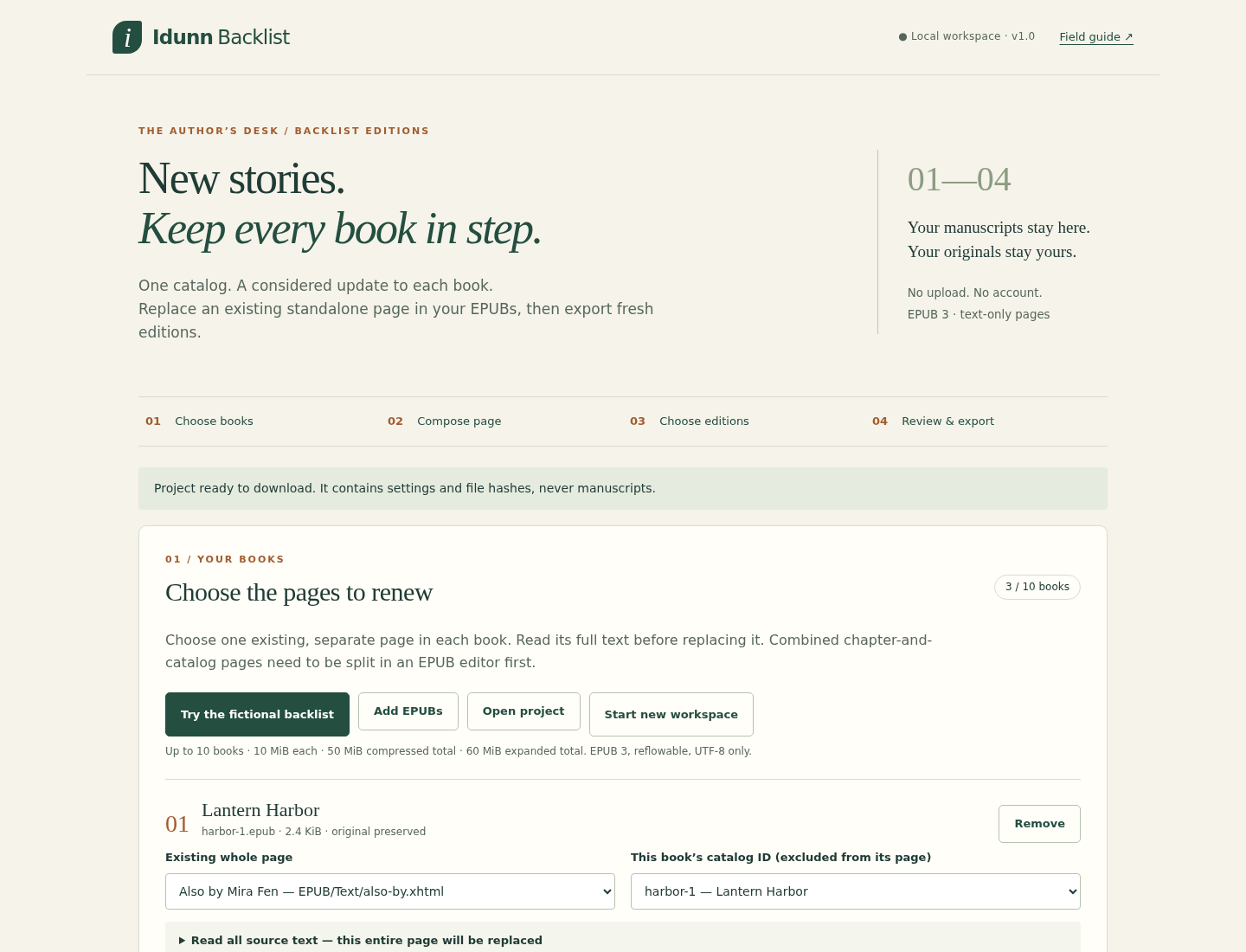
app/IdunnBacklist.htmland click Try the fictional backlist. It loads Lantern Harbor, The Brass Tide and Winter Signal by the invented author Mira Fen. Sample URLs use example.com and are not real store listings.Choose the page and identity in each book
For each book, select Also by Mira Fen — EPUB/Text/also-by.xhtml and its catalog ID:
harbor-1,harbor-2orharbor-3. Nothing is preselected. Expand Read all source text. All text on the selected page will be replaced; confirm it contains nothing you need to retain.Review six replacements
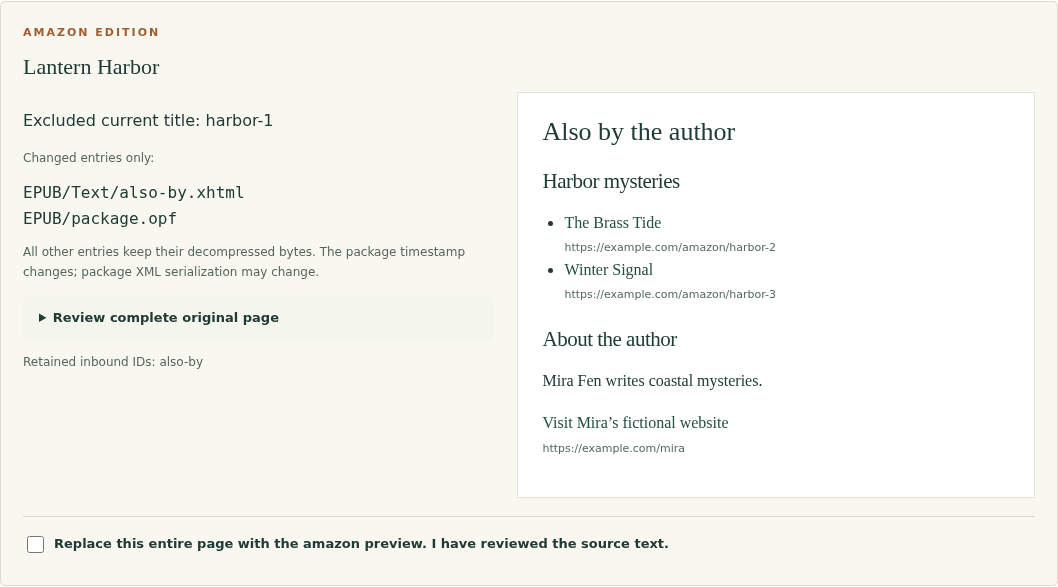
Leave the fictional biography and Amazon/Neutral editions selected. Click Prepare previews. Read all six preview cards and their changed paths. Each must list the other two titles and omit its own catalog ID. Check every whole-page replacement box, then choose Export reviewed editions and download the resulting ZIP.
Inspect the expected output
Extract the ZIP: expect six EPUBs plus
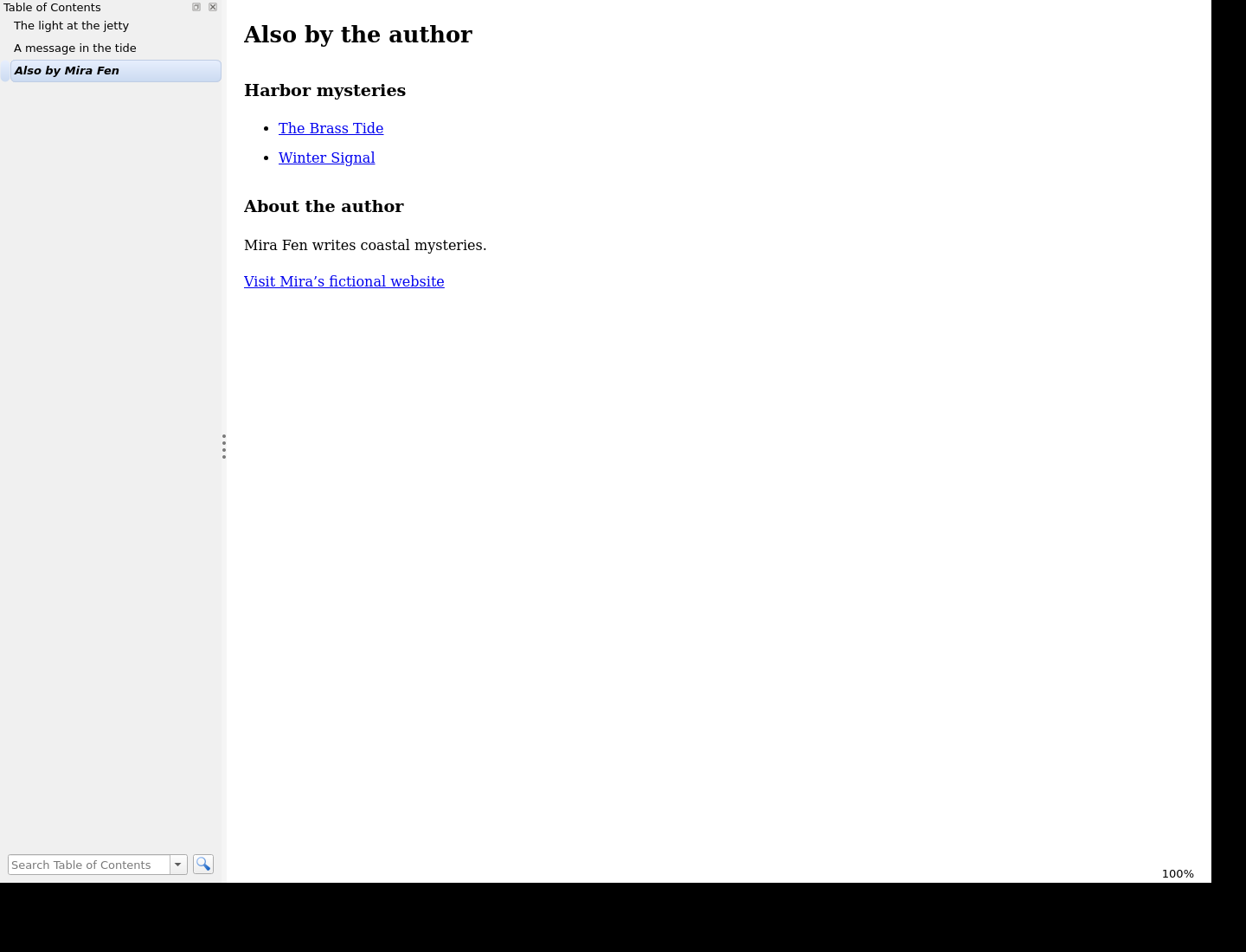
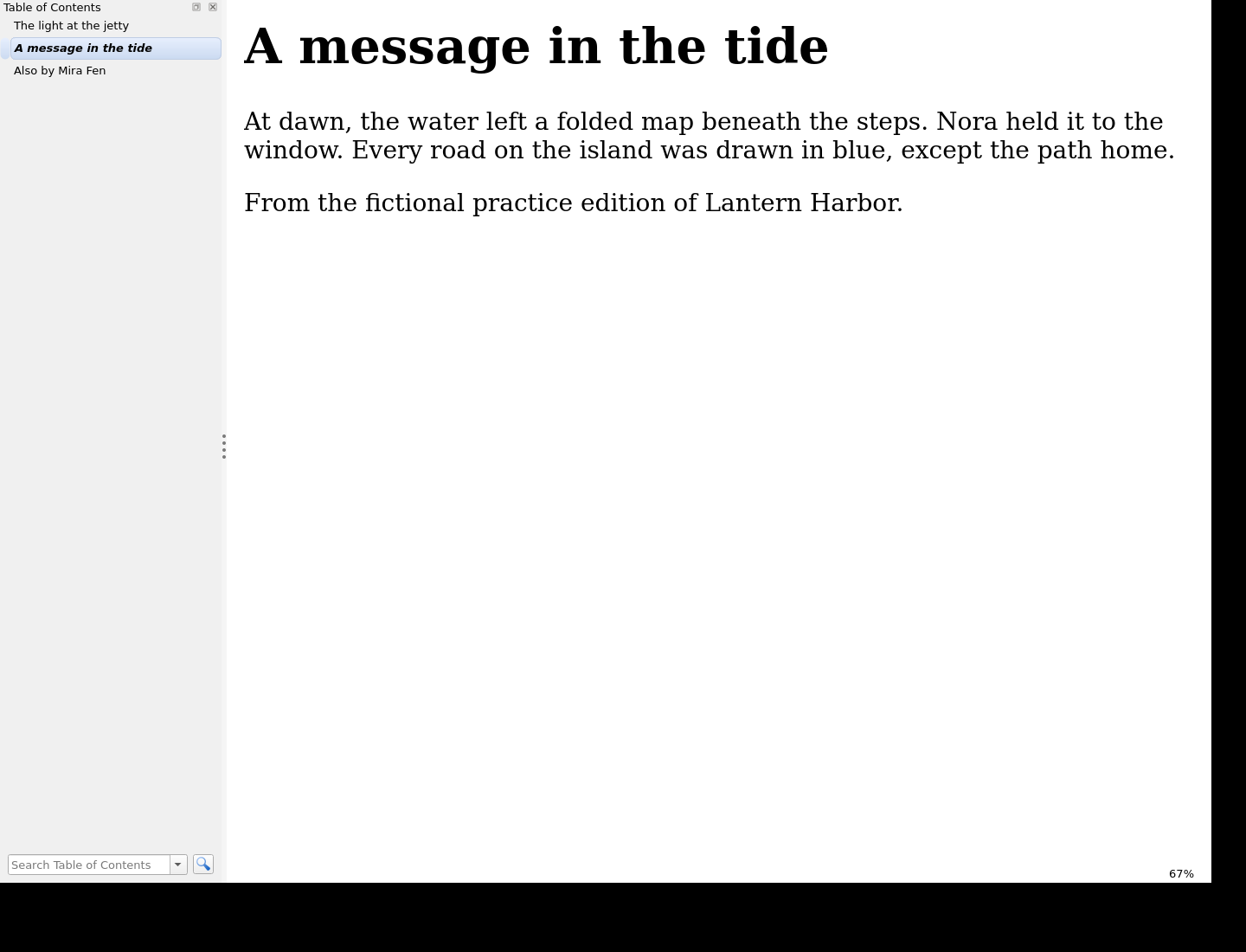
report.htmlandreport.json. Inharbor-1-neutral.epub, the author page lists The Brass Tide and Winter Signal and contains “Mira Fen writes coastal mysteries.” Its two book links end in/books/harbor-2and/books/harbor-3. Open it in your EPUB reader, use the contents list, change font size and check the previous chapter. The free kit includes the actual sample output.Apply your own catalog and books
Choose Start new workspace, apply your own catalog and add backed-up EPUBs. Use this exact header:
book_id,title,series,order,amazon_url,kobo_url,neutral_url. Each row needs a unique ID and title; order is a whole number from 0 to 999999. Use complete HTTPS URLs or leave a destination blank. Enter your biography and optional contact label/URL, then explicitly map every book/page/ID.Approve only the editions you intend to make
Select Amazon, Kobo and/or Neutral URL columns. These labels select destinations; they do not certify retailer compatibility. Prepare fresh previews, inspect the whole original page and acknowledge each missing destination, which becomes plain title text. Any input or setting change invalidates earlier approvals. Export to a separate folder and check the new copies in your reader and publishing workflow.
Save and repeat the update
Choose Save project and download its JSON before closing. Later, open that project and reselect every original EPUB: its bytes must match the recorded SHA-256, even if filenames changed. Review restored mappings and create fresh approvals. Projects contain settings, text and hashes, never manuscript bytes or approvals. Changed manuscripts require a new workspace. To uninstall, delete the extracted app folder and retain any projects or outputs you still need.
A worked example
Mira Fen: three books become six reviewed editions
Input: Three fictional original EPUBs, one shared catalog and biography, and two selected URL columns: Amazon and Neutral.
- Select each existing standalone Also By page and the matching harbor-1/2/3 catalog ID.
- Prepare and approve all six previews, checking that each current title is omitted.
- Download the editions ZIP, inspect its reports and open the neutral Lantern Harbor edition in a reader.
Expected result: Six EPUB copies plus HTML/JSON reports. Lantern Harbor lists The Brass Tide and Winter Signal, omits itself and includes the shared biography. Chapters and navigation retain their decompressed bytes. The selected XHTML page changes, and the package modification timestamp changes; overall ZIP bytes need not match.
Review the replacement and read the resulting book
Actual IdunnBacklist 1.0.0 and calibre screens from the fictional Mira Fen exercise on Linux.
1. Approve a specific whole-page replacement
2. Open the exported EPUB in a reader
3. Check the preceding chapter
Troubleshooting
Export stays disabled
Apply catalog edits, prepare fresh previews, approve every replacement and acknowledge every missing link.
A selected page includes chapter text
Cancel that mapping and split the standalone page in your authoring tool. The app replaces the entire selected page.
A saved project rejects the books
Reselect the exact original bytes. Start a new workspace if the manuscripts changed or you intentionally want a smaller batch.
An EPUB import is refused
Read the specific message and re-export a supported file from your authoring tool. Imports are atomic, so a rejected file prevents that new import batch from being added.
The app is inactive after extraction
Open app/IdunnBacklist.html from the fully extracted folder in desktop Chrome; keep vendor/ and the other app assets beside it.
A batch exceeds memory or output bounds
Use fewer books or editions. Cancel stops at a processing boundary; final ZIP assembly can take a few seconds. No partial ZIP is offered.
Compatibility & limits
- Chrome 152 on Linux was tested. A 390 px viewport and desktop 200% zoom were checked separately; their combination requires horizontal scrolling. Windows, macOS, mobile operating systems and physical e-readers are untested.
- Up to ten books, 10 MiB compressed each, 50 MiB compressed and 60 MiB expanded per batch; 12 MiB per expanded entry and 500 entries per book. Up to three editions and 180 MiB aggregate edition content, with archive overhead checks.
- Up to 100 catalog titles, 256 KiB per catalog/project and a 2,000-character biography. Large batches use much more browser memory than their compressed file sizes; start with a small batch.
- Only DRM-free, single-rootfile, UTF-8, reflowable EPUB 3 and supported local resource graphs. No EPUB 2, encryption/font obfuscation, fixed layout, scripts, media overlays, remote embedded content, chapter splitting, page appending or repair. Some valid uncommon structures are refused.
- Replaces one explicitly selected existing standalone XHTML page per book. It must have exactly one h1. Only supported body/heading inbound IDs are retained. Other references into the page can block replacement.
- Other decompressed entries retain their bytes except the package XML, whose modification timestamp changes semantically and whose serialization can change. ZIP compression and timestamps are not preserved; uncompressed output can be larger.
- No live link checks, cover images, rich text or custom CSS. Amazon/Kobo/Neutral select URL columns; they do not promise retailer compliance. The practice books passed EPUBCheck 5.4.0, and the sample was read in native calibre 9.15.0 on Linux; this does not certify every book or reader.
- No autosave. A saved project contains catalog text, settings and source hashes but no manuscripts or approval state. Keep the original EPUBs and inspect new copies before publishing.
Need a hand?
Tell us the product, host application and version, what you tried, and the exact error. Contact support with a fictional example; keep private customer files and passwords out of your message.