Worked example · Blog migration
Move a Hugo blog to Astro: check the links before you switch
Keep the old addresses, captions and unpublished posts under control. This small free example gives you a checklist you can use before switching a blog to Astro.
Written by Perunlight, the maker of PostCarry, with AI assistance. The free source and captured baseline were independently checked on 4 October 2026. The paid app was not rerun for this article. Published .
Start with a four-post blog
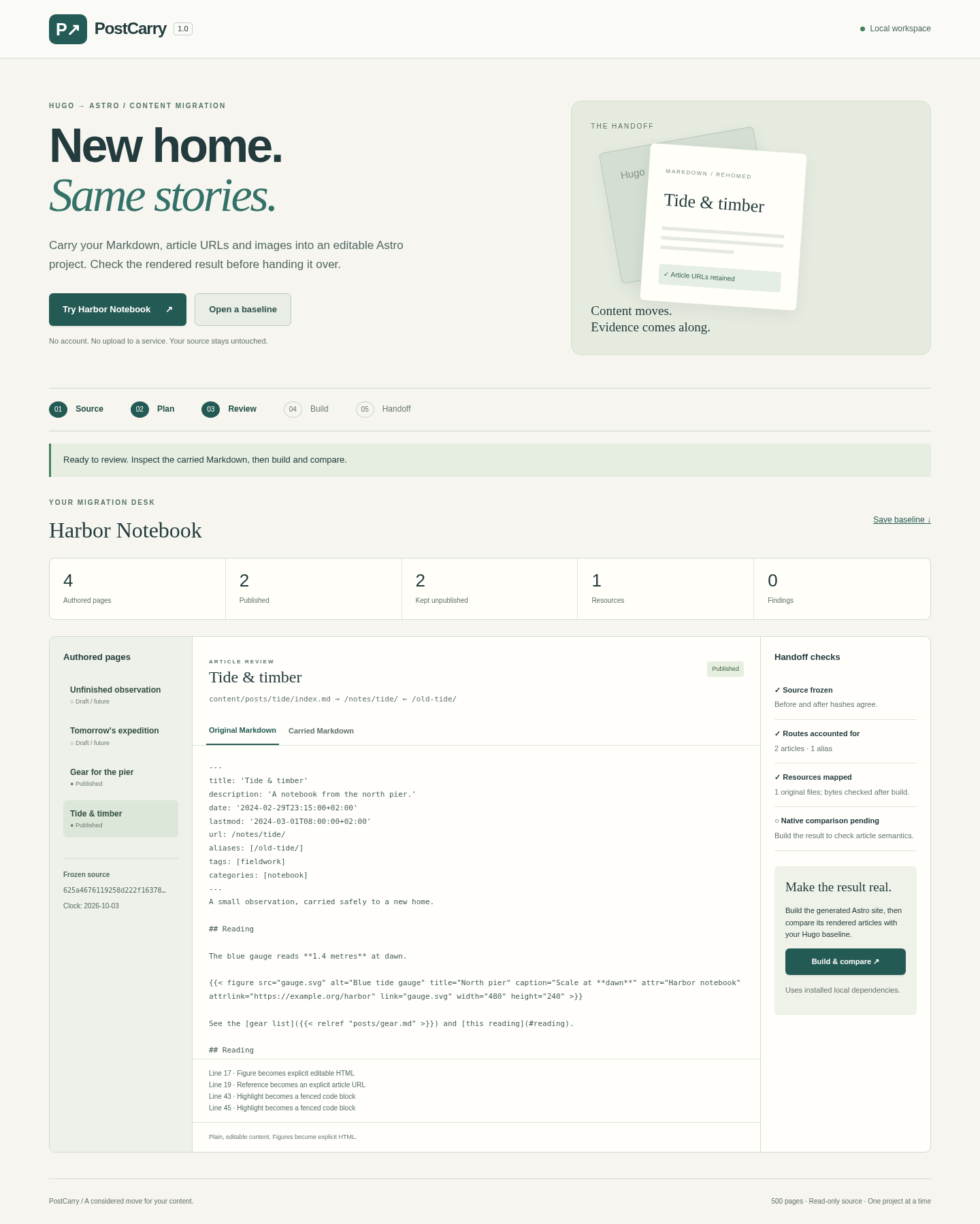
Harbor Notebook is a small fictional Hugo blog. The free pack contains its source, a captured baseline and an answer sheet. Open examples/EXPECTED.md for the expected result and examples/harbor/ for the original files. You can follow this exercise without buying PostCarry.
There are four Markdown posts, but only two are public at the baseline’s fixed clock, 2026-10-03T00:00:00Z. “Unfinished observation” has draft: true. “Tomorrow’s expedition” is dated 2099. Both should remain editable without appearing in the public site.
The baseline was captured with Hugo 0.167.0. We independently checked its stored page lists, HTML and all eight source-file hashes for this article. We did not run a new Hugo build, Astro build or paid-app conversion.
Count published pages, not files
Before migrating your own site, save both page lists at the same build clock. Hugo’s all-pages command includes unpublished content; its published-pages command excludes draft, future and expired pages.
# From the example’s harbor directory, with matching Hugo installed:
hugo list all --clock 2026-10-03T00:00:00Z
hugo list published --clock 2026-10-03T00:00:00Z
These are commands to reproduce the page lists. The supplied baseline records four rows in allCSV and two in publishedCSV. For your real migration, use the date you intend to check and save it with the result.
- Public:
/notes/tide/and/notes/gear.html. - Unpublished:
/notes/draft/and/notes/future/. - Keep any temporary rendering of unpublished posts outside the directory you deploy.
Keep the unusual addresses
The gear post uses /notes/gear.html. Changing that to /notes/gear/ would change its address. The tide post also declares /old-tide/ as an alias. Include that old address in the new site’s redirect checks.
The tide article has two headings called “Reading”. The captured HTML gives them IDs reading and reading-1. The gear article links to /notes/tide/#reading. Check heading IDs and the target section as well as whether the page loads.
Original route       Required destination
/notes/gear.html      /notes/gear.html
/notes/tide/          /notes/tide/
/old-tide/            /notes/tide/

Gear’s section link: /notes/tide/#reading
This table is the migration target from the source and answer sheet. Check actual built files and redirects before changing the public site; this walkthrough does not claim that a new redirect was deployed.
Preserve what the shortcode means
Astro’s Hugo migration guide explains that Hugo shortcodes need conversion. Inventory them before choosing a replacement.
# From examples/harbor:
rg -n "\{\{<" content/
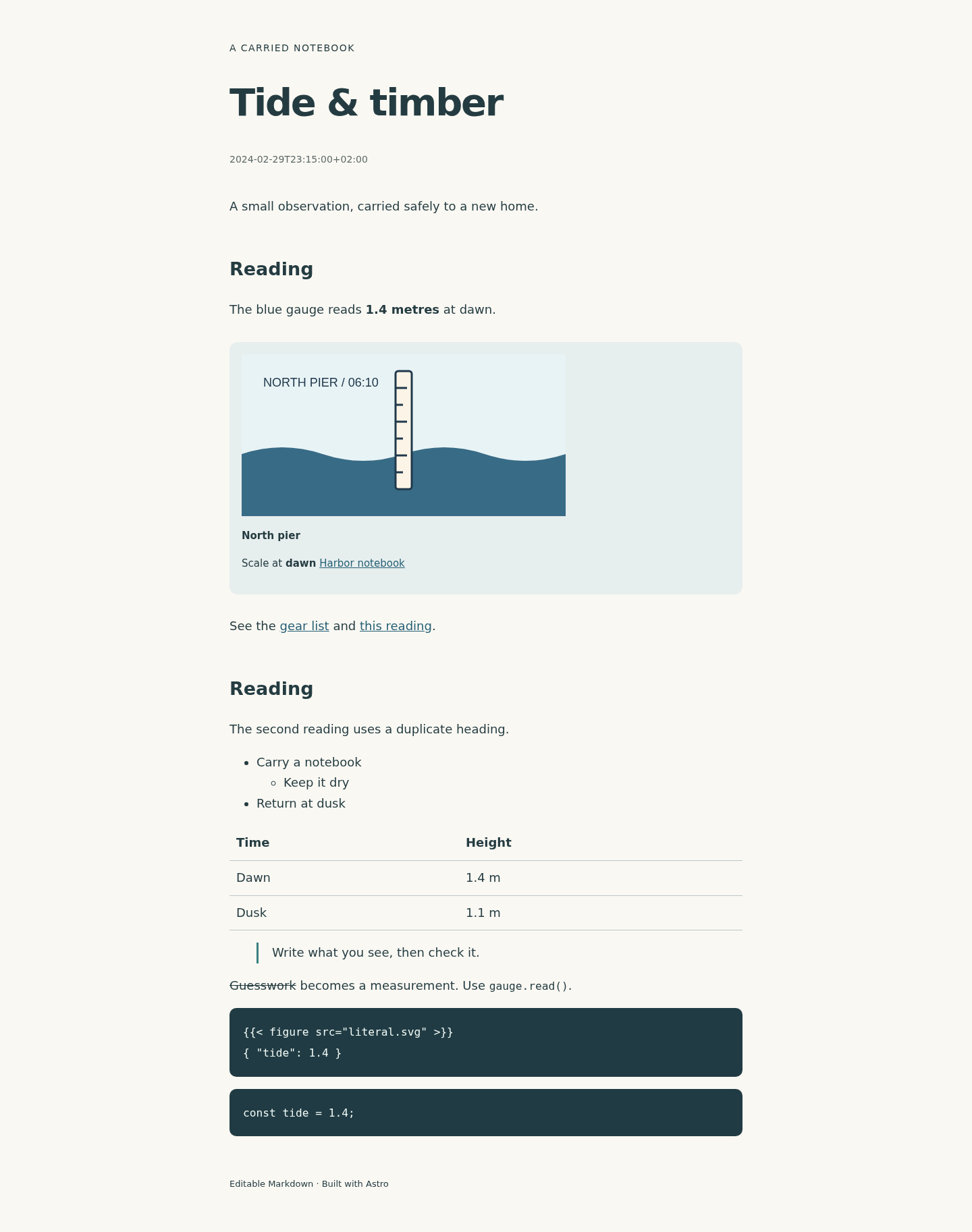
The tide post’s figure has more than a picture. Check the image, Blue tide gauge alt text, North pier title, Scale at dawn caption with “dawn” emphasized, linked Harbor notebook credit, 480 × 240 dimensions and a link to the original image. The captured Hugo HTML contains all of them.
There is also shortcode-looking text inside a code block. Its escaped source is meant to display {{< figure src="literal.svg" >}} literally. It must remain code. Do not run it as a figure or delete it to clear an error.
Check image bytes and date offsets
Compare the original image fingerprint with its copy in the new build. The practice SVG’s SHA-256 is:
6d2c43e3b3024a19bc19fc9bfb835c63d7873eed12991f4010e0e6bbc7ec7c47The original file and the baseline match. A matching hash in your target build proves byte-for-byte copying. A screenshot cannot establish that.
Keep the meaning of dates, too. Tide uses 2024-02-29T23:15:00+02:00; gear uses 2024-03-02T10:30:00+02:00. Both offsets appear in the captured HTML. Converting to UTC can change the calendar day of a late-night post, so check the date your new page actually shows.
Use a check that can fail
In a scratch copy, remove id="reading" or change a figure field. Your comparison should report the difference. We confirmed that our independent inspection detects a changed heading ID and missing alt text; that is a check of this article’s observations, not a new acceptance test of the paid app.
- Save all-page and published-page lists at one recorded clock.
- Preserve exact routes, aliases, heading IDs and fragment destinations.
- Review every shortcode, including literal code examples.
- Compare picture bytes, figure fields and date offsets.
- Keep drafts and future posts outside the deployed output.
- Deliberately change one expected value and confirm your comparison catches it.
- Open the actual new site before switching your domain.
Where PostCarry fits
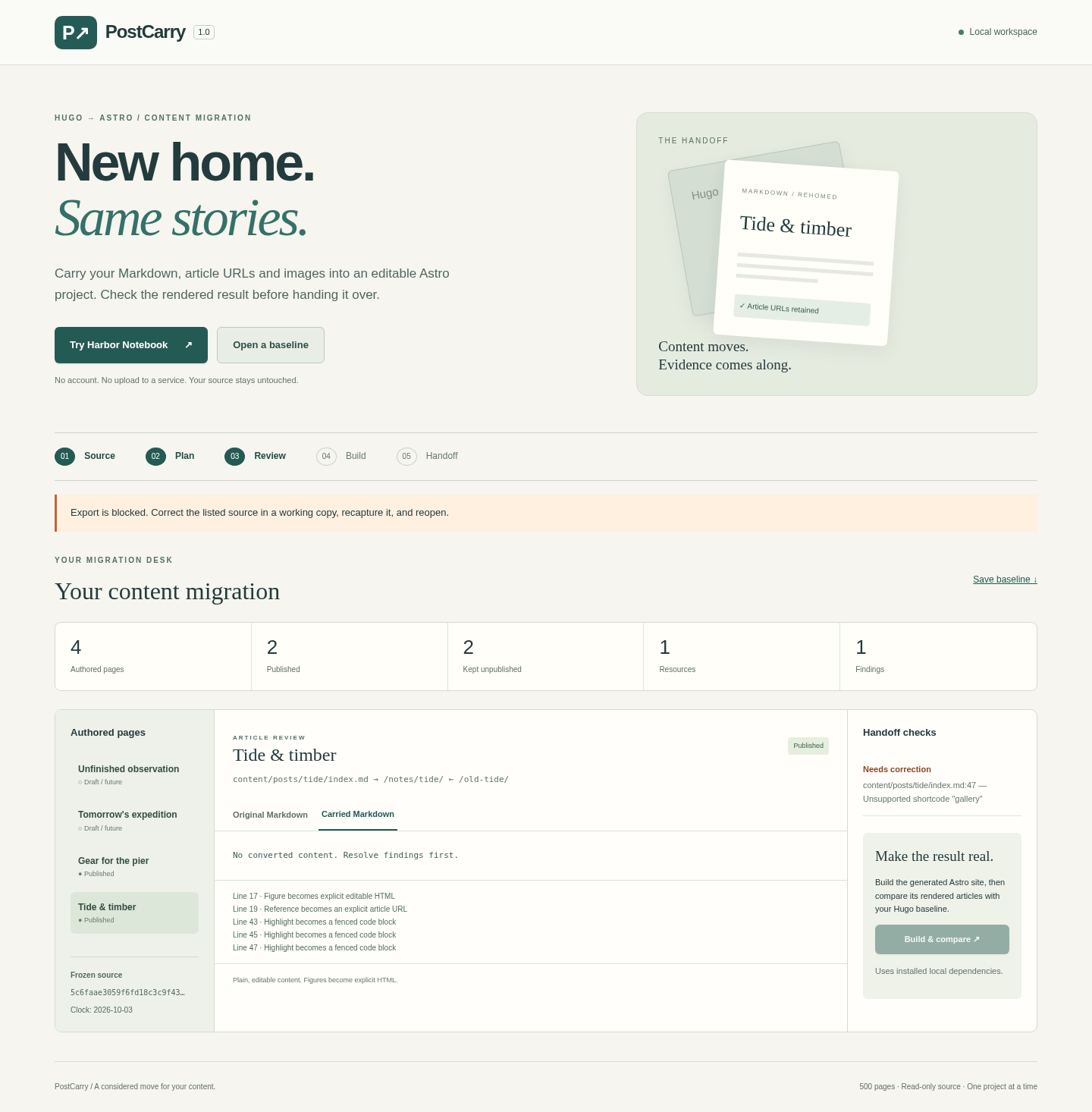
PostCarry is a $29 one-time local application for one supported case: a small, single-language Hugo Markdown blog moving to an editable Astro project. It captures a source baseline, shows converted content for review, builds the target and compares article content, links, figures, dates and asset hashes. Export unlocks after its checks pass. Read the full manual for the supported syntax and workflow.
- Linux x64 with Node.js 22.12 or later. Published acceptance used Node 22.22.2, Chrome 152, Hugo 0.167.0 and Astro 7.3.5; other hosts and Hugo versions are unverified.
- Up to 500 Markdown pages, 5,000 source files and 250 MiB.
- Themes, the original homepage, menus, taxonomy pages, RSS, search, comments and deployment are outside the migration.
- Multilingual content, raw HTML, custom shortcodes and render hooks, footnotes, reference-style links and branch bundles are refused.
- A comparison pass describes one captured build. It does not establish search ranking or accessibility compliance.
The free pack includes the illustrated guide and fictional source material. The application is sold separately. Try the example and check the limits before buying.
Perunlight product
Check the example before buying
Use the free source to see what needs to survive a migration. PostCarry adds the local review, conversion and comparison workflow for its supported subset.
See PostCarry · $29 one-timeRead the manual
Purchased version only; future major upgrades are not included. Linux x64; review the documented limits before buying.