Step-by-step guide
SnotraSheets
Turn counted stock into a reviewed Square or Shopify inventory import file.
For independent merchants counting stock with scanner files or manual counts.
Before you start
- Desktop Google Chrome 152 tested on Linux; local files remain on your device.
- Square item library CSV/XLSX or Shopify All states inventory CSV; optional Shopify products CSV for barcodes.
- Pause inventory movement for the count and verify the store import preview.
Your first result
Start with a baseline
Pause stock movement, export the supported store file and load it in SnotraSheets.html.
Count and review
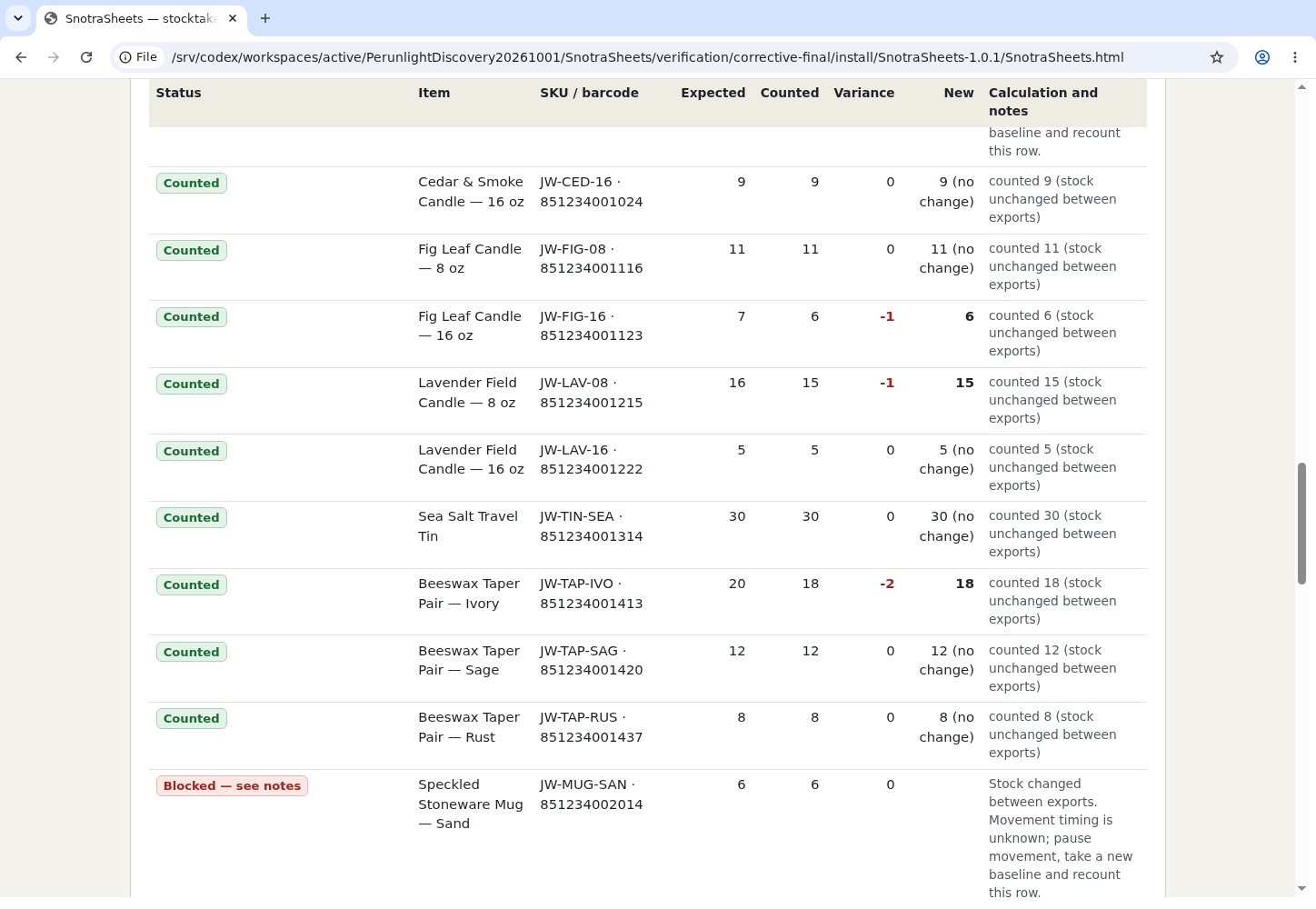
Scan or import count files, review unmatched codes, variances and changed rows, then load a fresh export.
Export or stop
Download only when exceptions are resolved; changed-stock rows require a new baseline and recount. Close the tab and delete the extracted folder to remove the app.
A worked example
Count a fictional shop
Input: The bundled Square Juniper & Wick or Shopify Harbor Thread exports and scanner files.
- Load the first export, import scanner counts, review exceptions, load the fresh export and download the import file.
Expected result: A local variance report and import file for unchanged-stock rows; the app blocks ambiguous movement timing.
Troubleshooting
Installation or export fails
Check the supported version and package contents, then contact support with the version, OS and exact error; use fictional data for a sample.
Compatibility & limits
- No store API connection or upload. Files are processed locally; exported reports may include business data.
- A snapshot pair cannot tell whether a sale happened before or after a physical count. Changed rows are blocked and require recount; actual store imports were not tested.
Need a hand?
Tell us the product, host application and version, what you tried, and the exact error. Contact support with a fictional example; keep private customer files and passwords out of your message.