Step-by-step guide
VecheStage
Review speaker file versions and export a room-by-day handoff with matching staff sheets.
Use it when presentations arrive in several versions and room staff need an explicit, checked set of files for the fixed program.
Before you start
- Desktop Chrome that can open extracted local HTML files. Tested with Google Chrome 152 on Linux.
- A fixed schedule with stable session IDs and local start times.
- Original PDF/PPTX speaker files that you have permission to handle.
Your first result
Inspect Cedar Forum
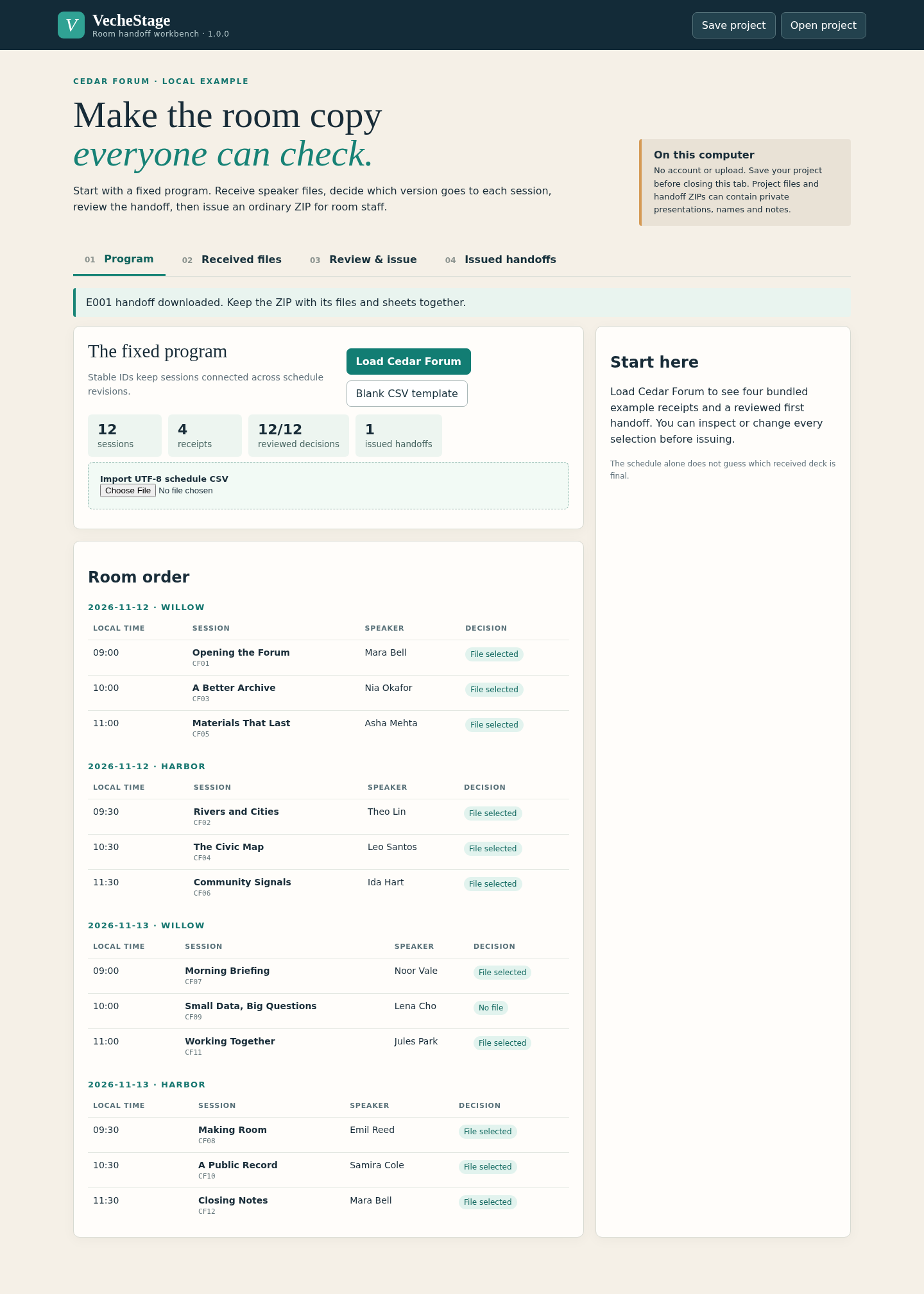
Extract the ZIP and open the local app. Load the fictional Cedar Forum example to see 12 talks in two rooms across two days.
Import your fixed program
Use the included CSV template. Preview session IDs, rooms, local start times, titles and speakers before applying the import.
Review received versions
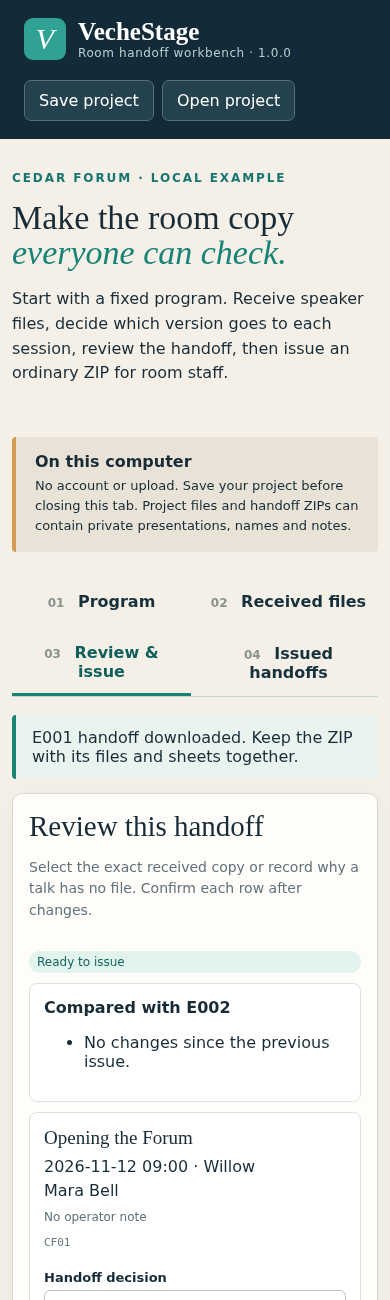
Add PDF/PPTX files, inspect their names and notes, and deliberately choose the version for each session. Record a reason for any session that needs no file.
Prepare the room handoff
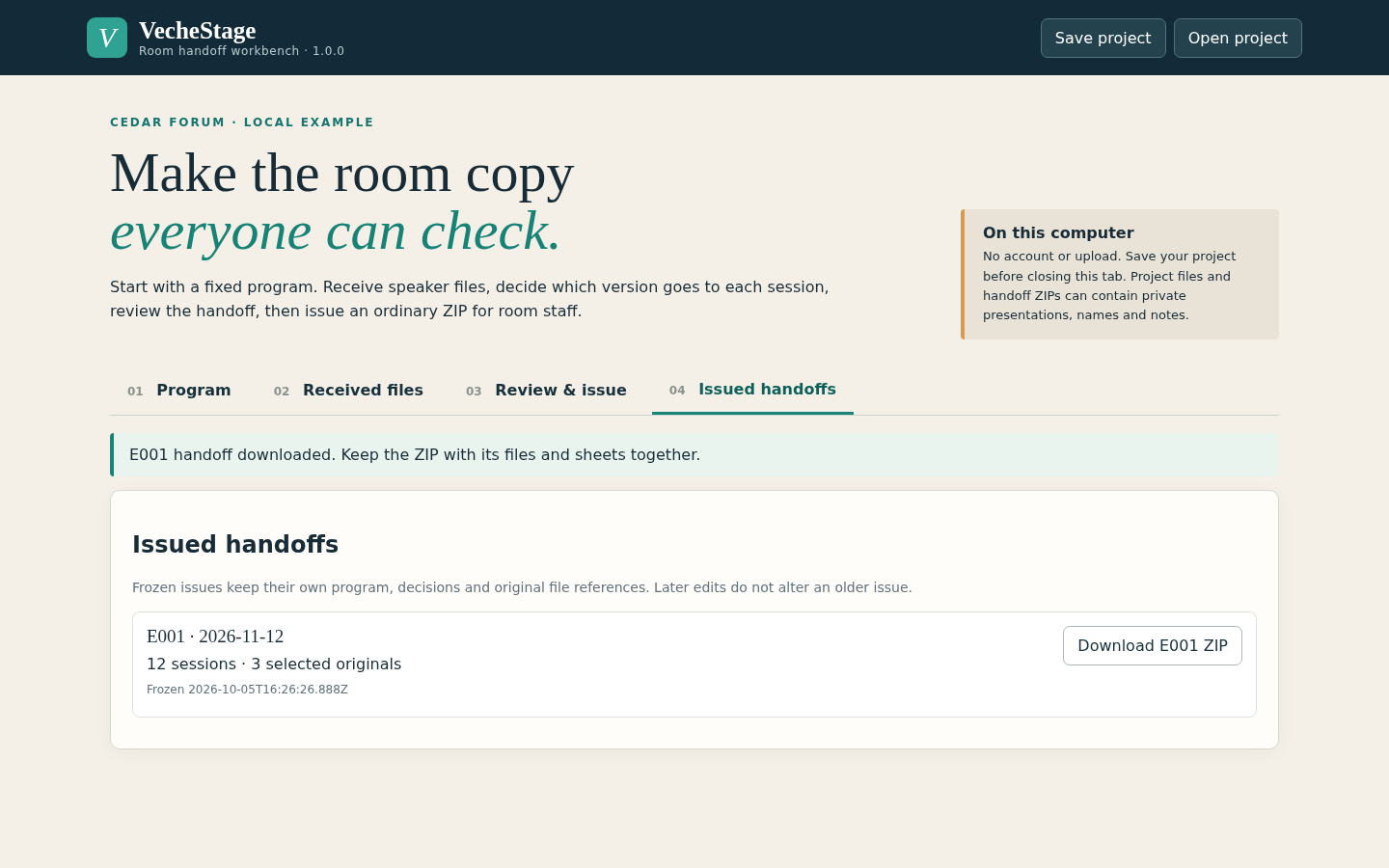
Resolve missing or unreviewed selections, inspect each room and day, then issue and export the numbered handoff ZIP.
Save and replace safely
Save the editable project before closing. Reopen it to receive replacements or revise the fixed program, then review and issue a new handoff. Previously issued handoffs retain their original files.
A worked example
Twelve talks, two rooms, one reviewed handoff
Input: Cedar Forum is an original fictional program across two rooms and two dates, with received file versions and one session that deliberately has no presentation file.
- Load Cedar Forum and inspect the room-by-day preview.
- Review the selected files and the explicit no-file reason.
- Export the first handoff, then use the replacement example to prepare a later issue.
Expected result: Each room receives staff instructions linked to the exact selected original files. A replacement appears in the later issue while the first issue retains its earlier file.
See the real workflow
Screenshots from the included fictional example in the tested Chrome environment.
1. Keep each numbered handoff ready to download
2. See the fixed program by room and day
3. Review decisions in a narrow window
Troubleshooting
A schedule import is rejected
Use the provided CSV headers, unique nonblank session IDs and real dates in the documented local date/time format. Preview before applying.
A received filename does not tell you which version to use
Inspect its receipt details and choose deliberately. Receive labels and notes can help identify the intended version; the app cannot decide which deck is final.
Issuing is blocked
Resolve the listed unreviewed changes and missing file selections. Use an explicit no-file reason when the session needs no presentation.
A presentation does not play on the show laptop
Open every selected deck on the actual room laptop before the event. VecheStage preserves and organizes originals; it does not check fonts, video, rendering or presentation software.
Compatibility & limits
- Up to 64 sessions across 8 rooms and 7 dates.
- Up to 128 received file versions and 10 issued handoffs per saved project.
- Each original can be up to 50 MiB; unique originals together can total 256 MiB.
- Schedule CSV: up to 256 KiB. Saved project archive: up to 400 MiB and 512 entries.
- Human-readable fields: up to 200 Unicode characters each. Session IDs: 1–64 letters, numbers, underscores or hyphens.
- Starts from a fixed program. It does not collect submissions, optimize the schedule, distribute files over a network or run presentations.
- File extension and signature checks do not establish a valid or playable presentation. Rehearse the exported files on the actual room laptops.
- Saved projects and exported handoffs include speaker information and presentation content; store and share them accordingly.
Need a hand?
Tell us the product, host application and version, what you tried, and the exact error. Contact support with a fictional example; keep private customer files and passwords out of your message.