VecheStage · 1.0.0
Prepare presentation files for every conference room
Review speaker file versions and export a room-by-day handoff with matching staff sheets.
Use it when presentations arrive in several versions and room staff need an explicit, checked set of files for the fixed program.
$9.99 USD · one-time purchase
Continue to checkoutStep-by-step guide
No subscription. Final total and tax appear at checkout.
Start with a free example
Inspect a finished room handoff, original example files and a blank schedule template before buying. The editing app is in the paid ZIP.
- For: Small conferences with a fixed program and speaker files
- First result: Inspect the original 12-talk Cedar Forum example and export its room handoff
- You get: Local app, source, illustrated manual, templates and original examples
- Runs in: Desktop Chrome on Linux · no account or server required
What it helps you do
For organizers who already have a fixed conference program. Import the schedule, choose the presentation for each session and export original PDF/PPTX files with room instructions. Save each issued handoff so a later replacement does not change the earlier one.
What is in your download
- offline local HTML app and readable source
- illustrated English manual and three runtime screenshots
- 12-talk Cedar Forum example with original PDF/PPTX files
- blank CSV template
- dependency notices, README, CHANGELOG and package manifest
A practical example
Twelve talks, two rooms, one reviewed handoff
Start with
Cedar Forum is an original fictional program across two rooms and two dates, with received file versions and one session that deliberately has no presentation file.
Get this result
Each room receives staff instructions linked to the exact selected original files. A replacement appears in the later issue while the first issue retains its earlier file.
Examples use fictional or synthetic data. Follow this example step by step.
See the real workflow
Screenshots from the included fictional example in the tested Chrome environment.
Keep each numbered handoff ready to download
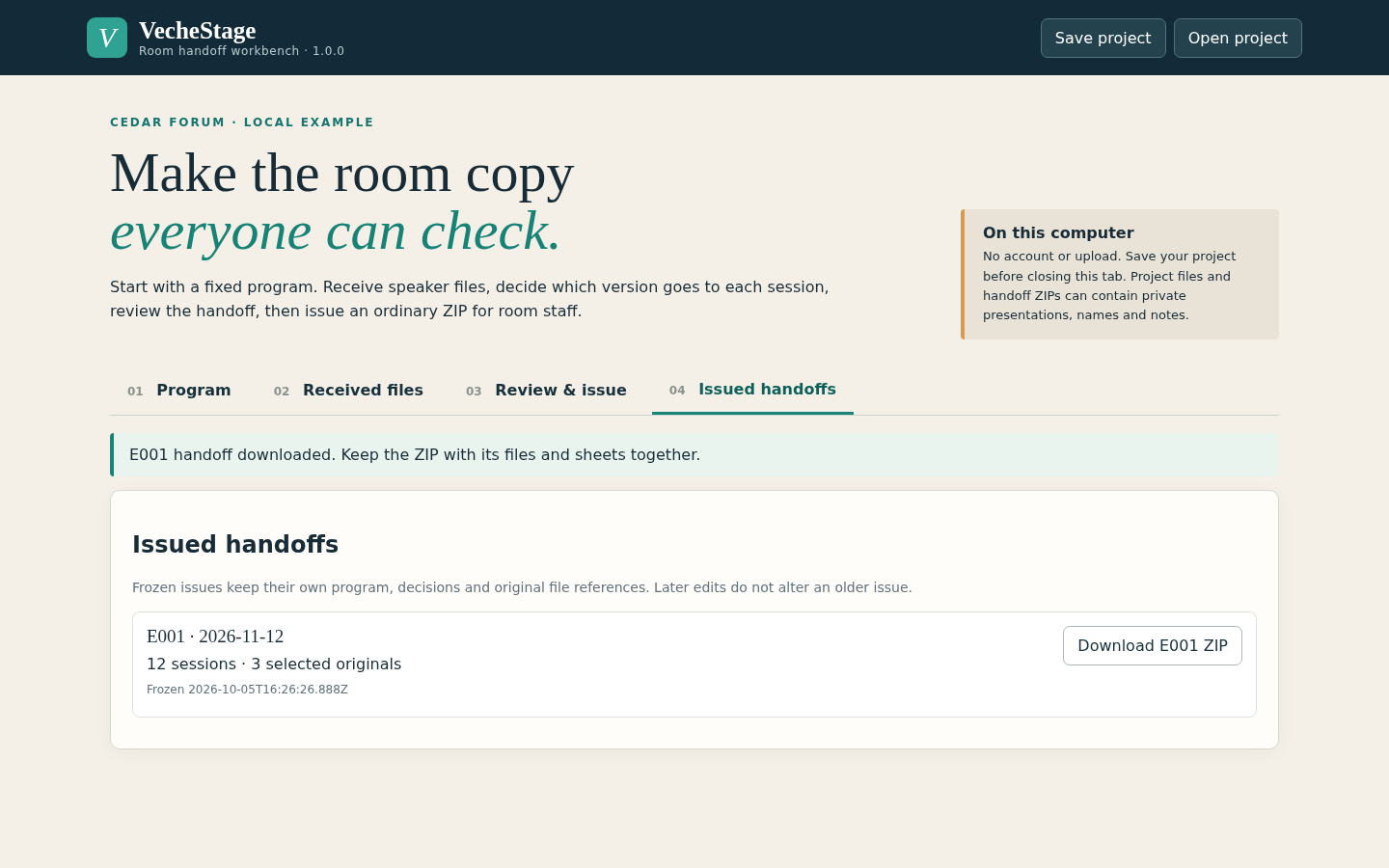
Frozen E001 handoff available for download View full size See the fixed program by room and day
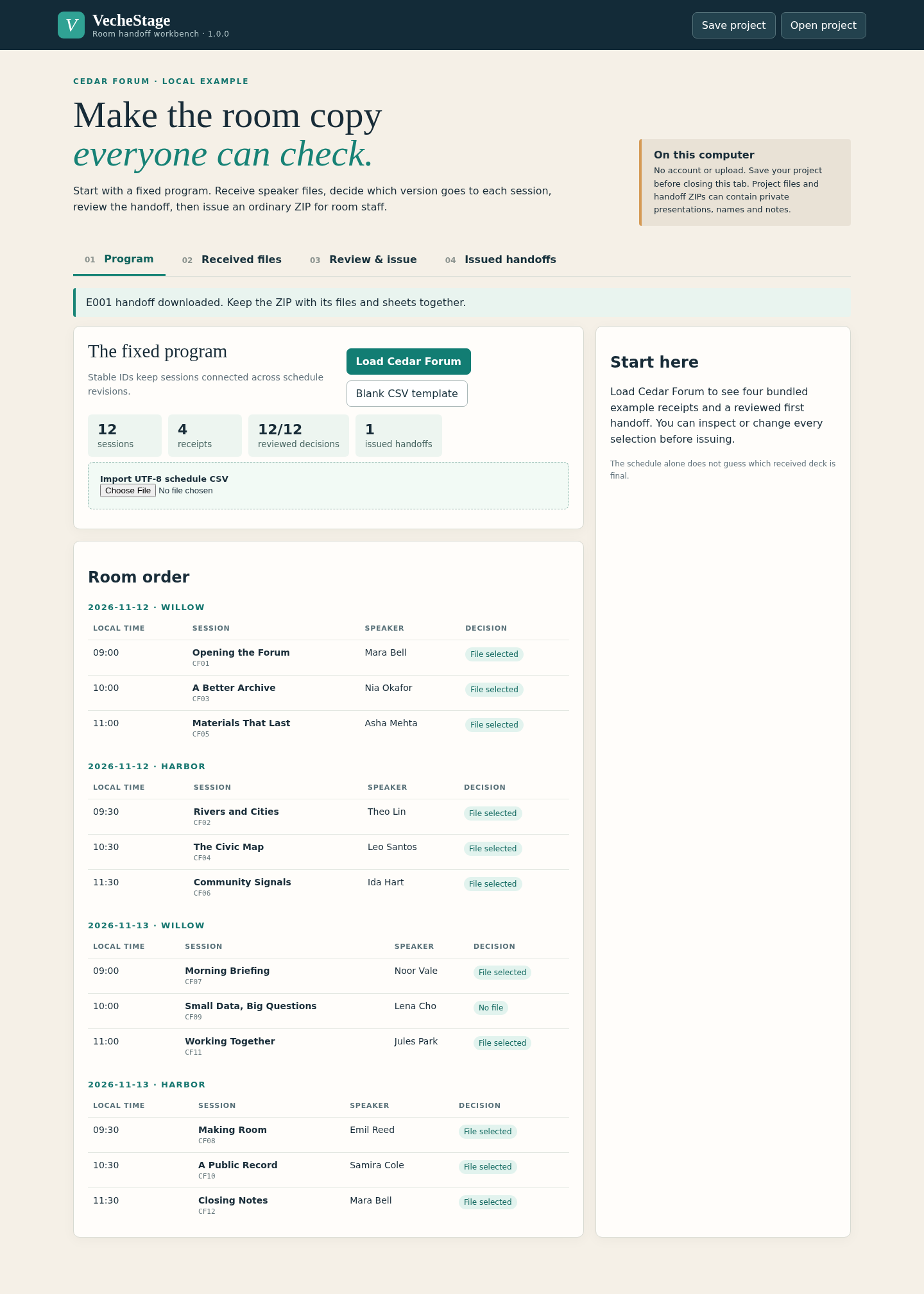
Cedar Forum fixed program in the running app View full size Review decisions in a narrow window
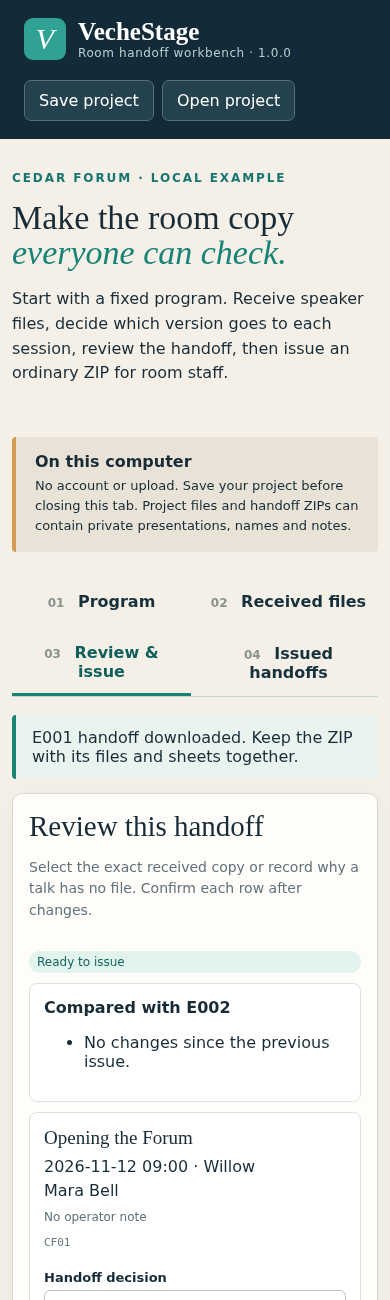
Session review controls at narrow browser width View full size
How it works
Bring the program and files
Import the schedule and receive original PDF/PPTX presentation files.
Choose what each session needs
Select a file version or record why a session needs no file, then review the room schedule.
Issue the room handoff
Export a numbered ZIP with original presentations and matching staff sheets. Save the project for later replacements.
Before you buy
- Desktop Chrome that can open extracted local HTML files. Tested with Google Chrome 152 on Linux.
- A fixed schedule with stable session IDs and local start times.
- Original PDF/PPTX speaker files that you have permission to handle.
Extract the complete ZIP and open app/index.html in desktop Chrome. No account or server is required.
Compatibility & limits
Up to 64 sessions across 8 rooms and 7 dates. Up to 128 received file versions and 10 issued handoffs per saved project. Each original can be up to 50 MiB; unique originals together can total 256 MiB. Schedule CSV: up to 256 KiB. Saved project archive: up to 400 MiB and 512 entries. Human-readable fields: up to 200 Unicode characters each. Session IDs: 1–64 letters, numbers, underscores or hyphens. Starts from a fixed program. It does not collect submissions, optimize the schedule, distribute files over a network or run presentations. File extension and signature checks do not establish a valid or playable presentation. Rehearse the exported files on the actual room laptops. Saved projects and exported handoffs include speaker information and presentation content; store and share them accordingly.
Get VecheStage
Perpetual use of the purchased version on your devices for personal or internal commercial work. Keep reasonable backups and modify your own copy; do not redistribute or resell original proprietary code. Third-party licenses and any existing preview permissions retain their rights.
Before payment, save the private recovery code shown by checkout. After Paddle confirms payment, use it to download your ZIP or return for it later. No subscription, future update or email delivery is promised. See the illustrated steps.
$9.99 USD · once
Buy download