Offline edition
LadaCross
Convert an image into a cross-stitch chart with your own palette.
You have an image you are allowed to use (your own drawing, photo or pixel art) and want a stitch chart of a chosen size with a limited number of colours.
$19 USD · one-time purchase
Continue to checkoutStep-by-step guide
No subscription. Final total and tax appear at checkout.
What it helps you do
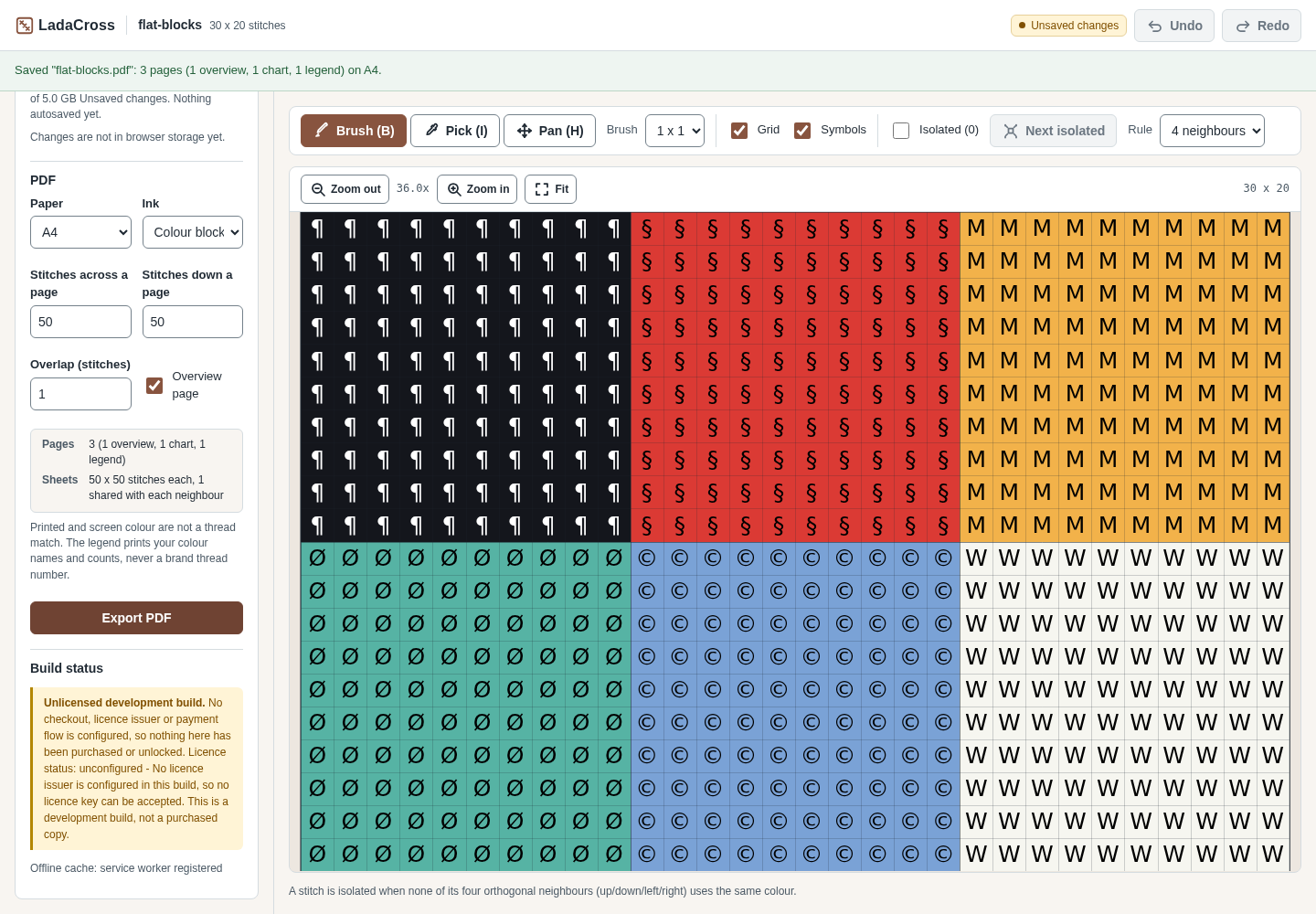
Reduce your image to a stitch grid and your own colour palette, inspect symbols, and export a chart and colour-count legend as PDF.
What is in your download
- The described tool, packaged for local use.
- Installation and first-result instructions.
- A worked example and the included license notices.
A practical example
Chart a small heart motif
Start with
examples/ladacross/fictional-heart-motif.png: a fictional 128 × 104 px pixel image with four flat colours.
Get this result
LadaCross reports “Chart ready: 32 x 26 stitches, 4 colour(s) from 4 distinct source colours.” and the legend adds up to 832 stitches. The download fictional-heart-motif.pdf has 3 A4 pages: an overview, the chart and the legend. The project file fictional-heart-motif.ladacross.json opens again with Open project file, even after the browser's storage has been cleared.
Download guide & practice files (ZIP)
Examples use fictional or synthetic data. Follow this example step by step.
How it works
Open the downloaded local edition
Buy and extract the LadaCross ZIP, then open its LadaCross folder. Install Node.js 20.12 or newer. In this extracted folder run: node start.mjs
Open http://127.0.0.1:8787/ in desktop Google Chrome. Keep the terminal open; Ctrl+C stops it. The same workflow can be explored in the online browser preview.Open LadaCross
In your open local copy, follow the controls described below.
Add an image
In 1 Image, click Choose a PNG or JPEG (up to 12 MP), or click Try the sample image to practise with a flower motif drawn in the page. Drag on the preview to crop, or choose Whole image or Centre square.
Before you buy
- Desktop Google Chrome or another Chromium-based browser. The tool was checked in desktop Chrome; other browsers are not verified.
- A PNG or JPEG image of up to 12 megapixels that you have permission to use.
- Install Node.js 20.12 or newer. In this extracted folder run: node start.mjs
Open http://127.0.0.1:8787/ in desktop Google Chrome. Keep the terminal open; Ctrl+C stops it.
Compatibility & limits
Full cross stitches; conversion is quantized and needs human review. No licensed thread-brand table is bundled: colours are your own RGB colours, without brand codes. Match with a physical shade card.
Try it first
Try the same core workflow in the browser. The purchase gives you a downloadable local copy with installation instructions and examples; no paid-only features are claimed.
Open the previewGet LadaCross
Perpetual use of the purchased version on your devices for personal or internal commercial work. Keep reasonable backups and modify your own copy; do not redistribute or resell original proprietary code. Third-party licenses and any existing preview permissions retain their rights.
Before payment, save the private recovery code shown by checkout. After Paddle confirms payment, use it to download your ZIP or return for it later. No subscription, future update or email delivery is promised. See the illustrated steps.
$19 USD · once
Buy download