LofnLogo · Offline logo handoff builder 1.0.0 · Chrome on Linux
Give your client a guide to the logo files you supplied.
Assign finished logo originals to specific tasks, backgrounds and variants. Export a portable client guide that explains your recommendations and downloads the unchanged files.
Use this when handing finished logo originals to a client who needs clear choices for tasks, backgrounds and variants. You make the design and suitability decisions; the guide presents them and downloads the supplied files.
$19 USD · one-time purchase
Continue to checkoutStep-by-step guide
No subscription. Final total and tax appear at checkout.
Try the recipient experience before buying
Includes a working example chooser, fictional originals, editable example project, text handoff and screenshots. Creating your own guide requires the paid authoring application.
- Your recommendations: Assign each intended use explicitly; unmapped uses show no recommendation.
- Unchanged originals: Downloads preserve the file bytes; previews may be smaller.
- Portable snapshot: Export one client HTML and a text handoff; save JSON for your revisions.
What it helps you do
For freelance brand designers handing over finished artwork. Group originals, assign recommendations in batches, rehearse the recipient view and keep an editable project for later revisions.
What is in your download
- LofnLogo 1.0.0 authoring application and source
- Illustrated English manual and seven actual screenshots
- Six fictional Cedar originals, editable project, working recipient guide and text handoff
- License, provenance, build tools and verification scripts
A practical example
Cedar Bicycle Repair: one explicit recommendation
Start with
Six fictional originals, two variants and five assigned uses in the included Cedar project.
Get this result
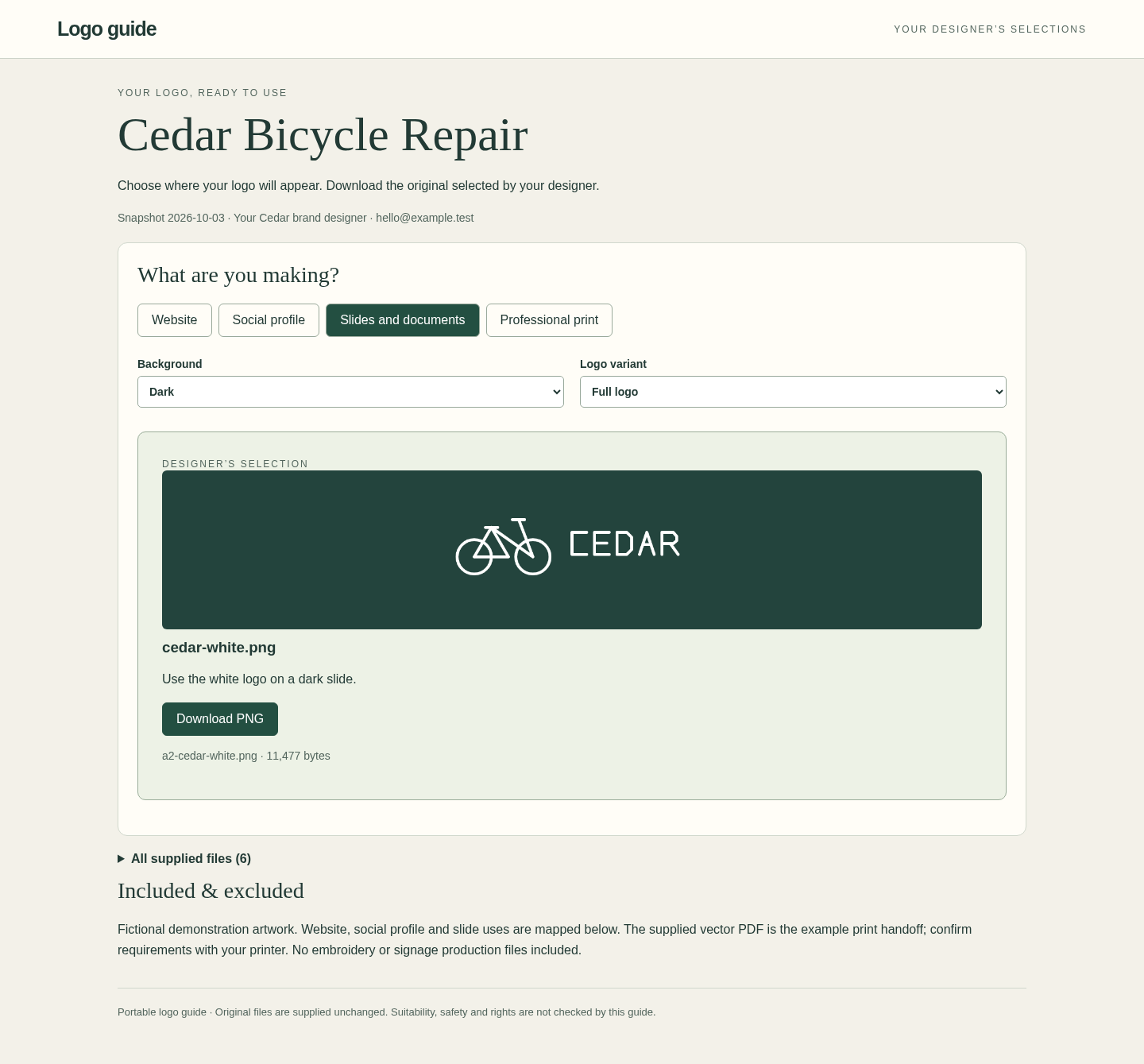
The dark-slides choice downloads the unchanged white original. Print / Either / Full logo selects cedar-print.pdf. Print / Dark / Symbol shows no recommendation and the designer contact. All supplied files remain separately accessible.
Free working Cedar chooser, originals and illustrated manual (authoring app not included)
Examples use fictional or synthetic data. Follow this example step by step.
From finished artwork to a client guide
Actual LofnLogo 1.0.0 screens in Chrome on Linux. Cedar Bicycle Repair is a fictional example.
Assign recommendations in batches
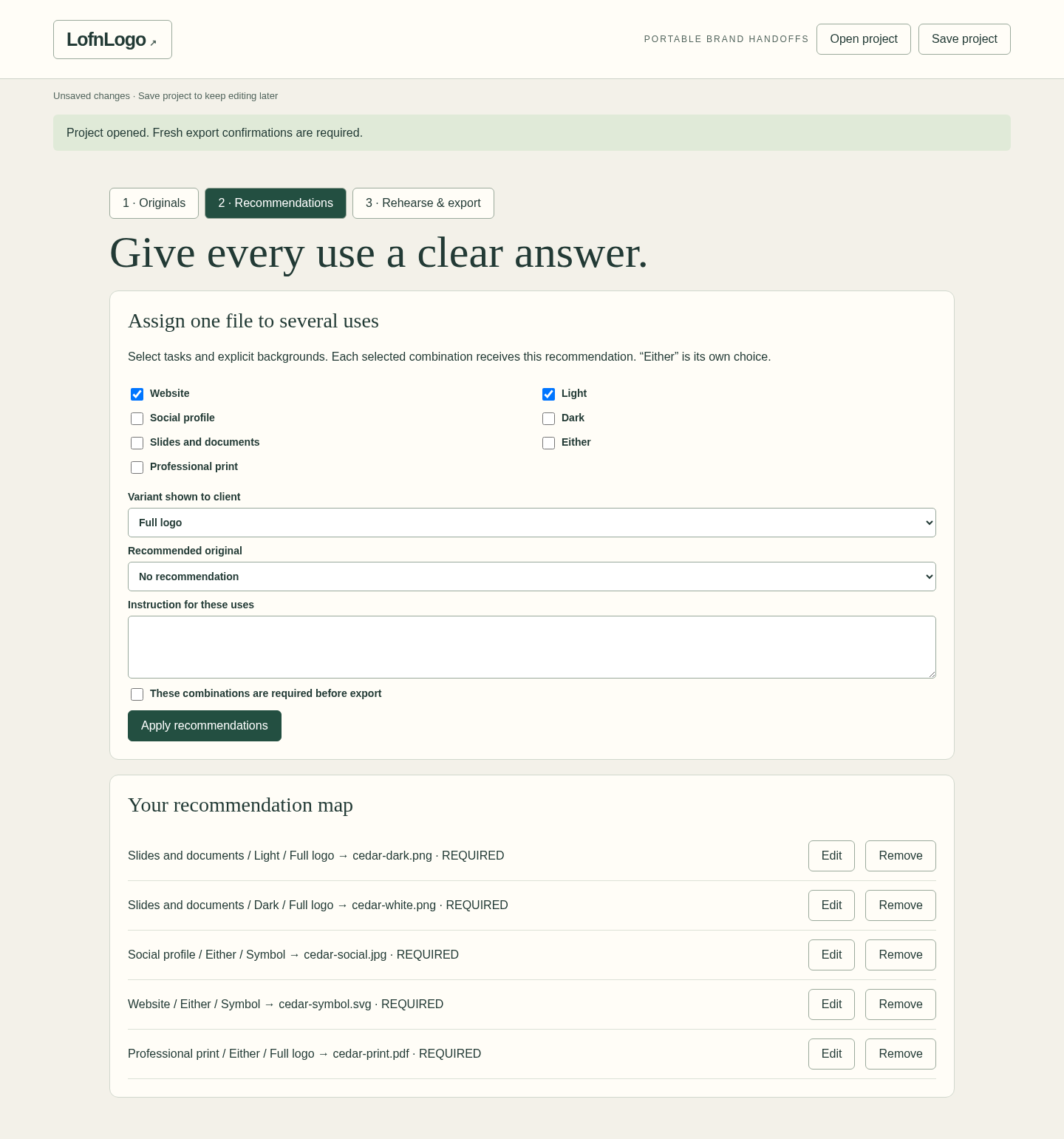
One explicit assignment can cover several selected tasks and backgrounds. View full size Try the exported client view
The client chooses a task, background and variant, then downloads your assigned original. View full size Explain an unsupported use
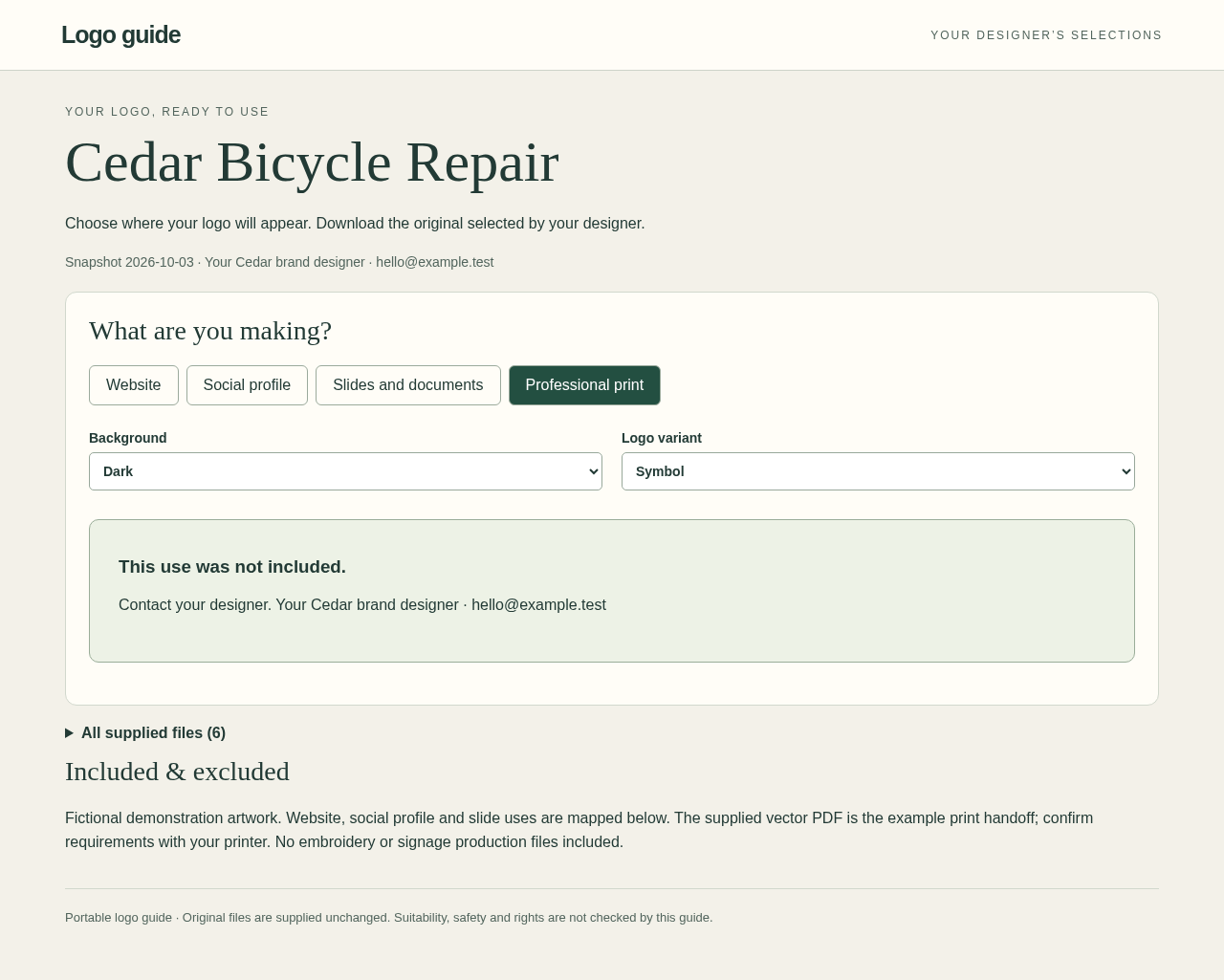
An unmapped combination gives no recommendation while retaining access to all supplied originals. View full size
How it works
Gather originals
Add finished files and group them into named variants.
Assign and rehearse
Set recommendations for each task and background, then try the client view.
Hand over
Export the client guide and text handoff; save your editable project.
Before you buy
- Desktop Google Chrome on Linux; Chrome 152 was verified. Other platforms and mobile browsers are unverified.
- Extract the ZIP and open LofnLogo.html outside an archive preview. Normal use needs no account, terminal, server or connection.
- Finished originals that you intend the recipient to access, explicit recommendations and a transfer method that permits local HTML files.
Extract the ZIP and open LofnLogo.html locally in desktop Google Chrome on Linux. Try the Cedar example first. No server, account or network connection is needed. Clients download the exported HTML and open it locally.
Compatibility & limits
Only desktop Chrome 152 on Linux was tested. Other browsers, operating systems, mobile devices, email gateways and cloud previewers are unverified. Agree a transfer method that accepts HTML. Up to 60 originals, 5,000,000 bytes each and 25,000,000 bytes total; saved projects and recipient HTML up to 45,000,000 bytes. PNG/JPEG previews require valid images of at most 16 million pixels. SVG, PDF, AI and EPS are opaque downloads: their contents are not rendered or validated. Pair them explicitly with a raster preview if needed. Four fixed tasks, three separate background choices and up to 12 variants; Either does not fill Light or Dark. There is no autosave, hosting, live update, revocation or password protection. Anyone with a guide or saved project can access its originals. No logo generation, original resizing, color conversion, print certification or rights inspection. Unused variants cannot be renamed or deleted in version 1. No human-client time-saving measurement is claimed.
Get LofnLogo
Perpetual use of the purchased version on your devices for personal or internal commercial work. Keep reasonable backups and modify your own copy; do not redistribute or resell original proprietary code. Third-party licenses and any existing preview permissions retain their rights.
Before payment, save the private recovery code shown by checkout. After Paddle confirms payment, use it to download your ZIP or return for it later. No subscription, future update or email delivery is promised. See the illustrated steps.
$19 USD · once
Buy download