LokiVeil
Pick. Cover. Rehearse.
Explore visual masking on fictional browser pages.
Fictional data only. This experiment is not protection for real customer or personal information.
See it in use
Mask a fictional customer field
A screenshot walkthrough with fictional practice data. Select a step to explore.
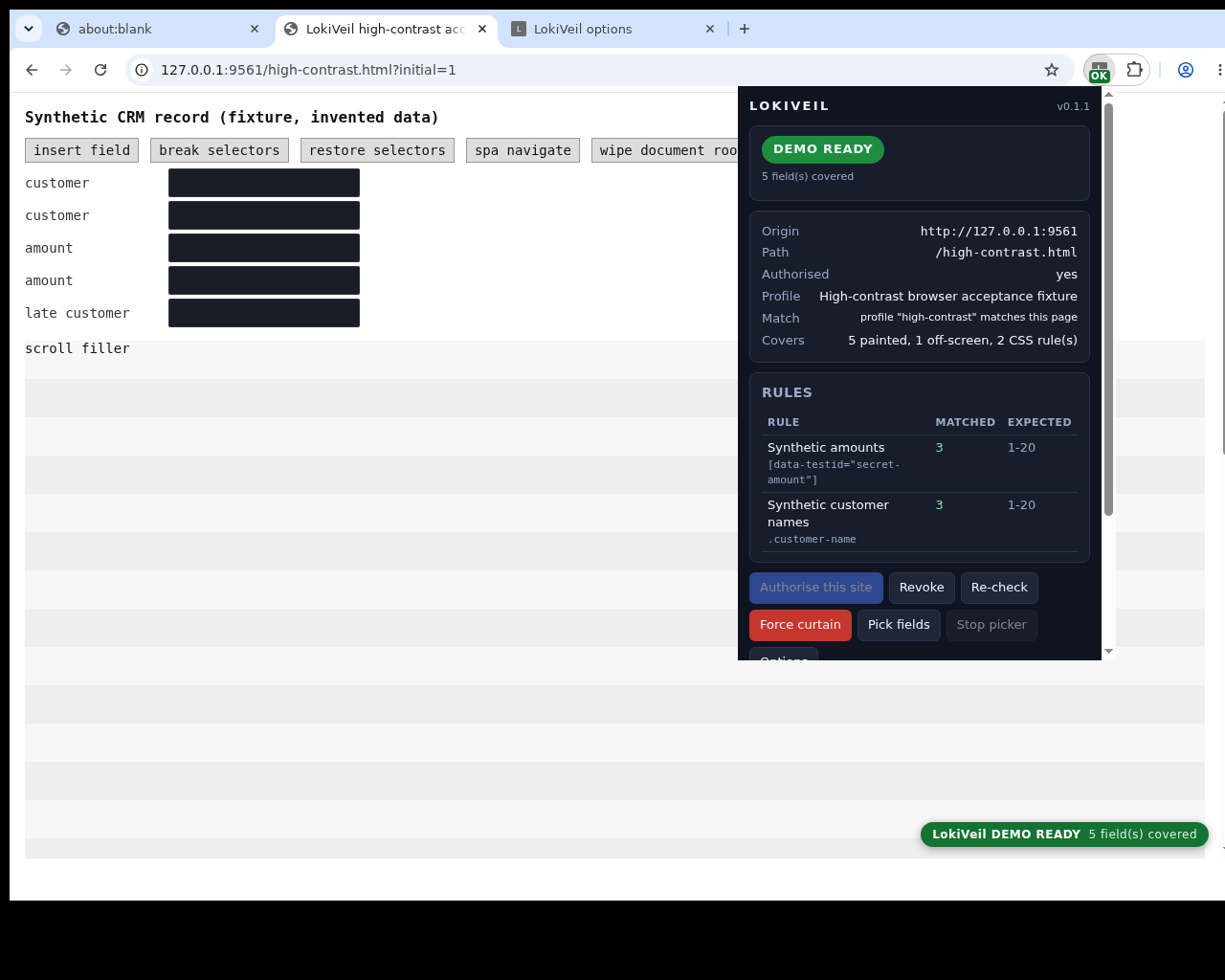
This five-field fixture differs from the guide’s single picked field and uses fictional data.
1. Start with
Mask a fictional customer field
The local practice page shows the invented customer Fictional Meridian.
Sample files and contents
The extracted preview includes examples/new-pick.html with the invented customer Fictional Meridian. It contains one matching customer-name field.
Practice files and guides are free. The complete app is included only where the product page says so.
2. In the app
Try it in three steps
- Serve the practice page and grant the extension access.
- Pick the name field, save one exact-page rule and reload.
- Check DEMO READY, then revoke access after the exercise.
Show every click and setting
- Open a terminal in examples and run python3 -m http.server 8000 --bind 127.0.0.1. Open http://localhost:8000/new-pick.html in desktop Chrome.
- Authorise this site from the popup and accept the Chrome prompt. Stop screen sharing, choose Pick fields and click Fictional Meridian. Reopen the popup and choose Stop picker.
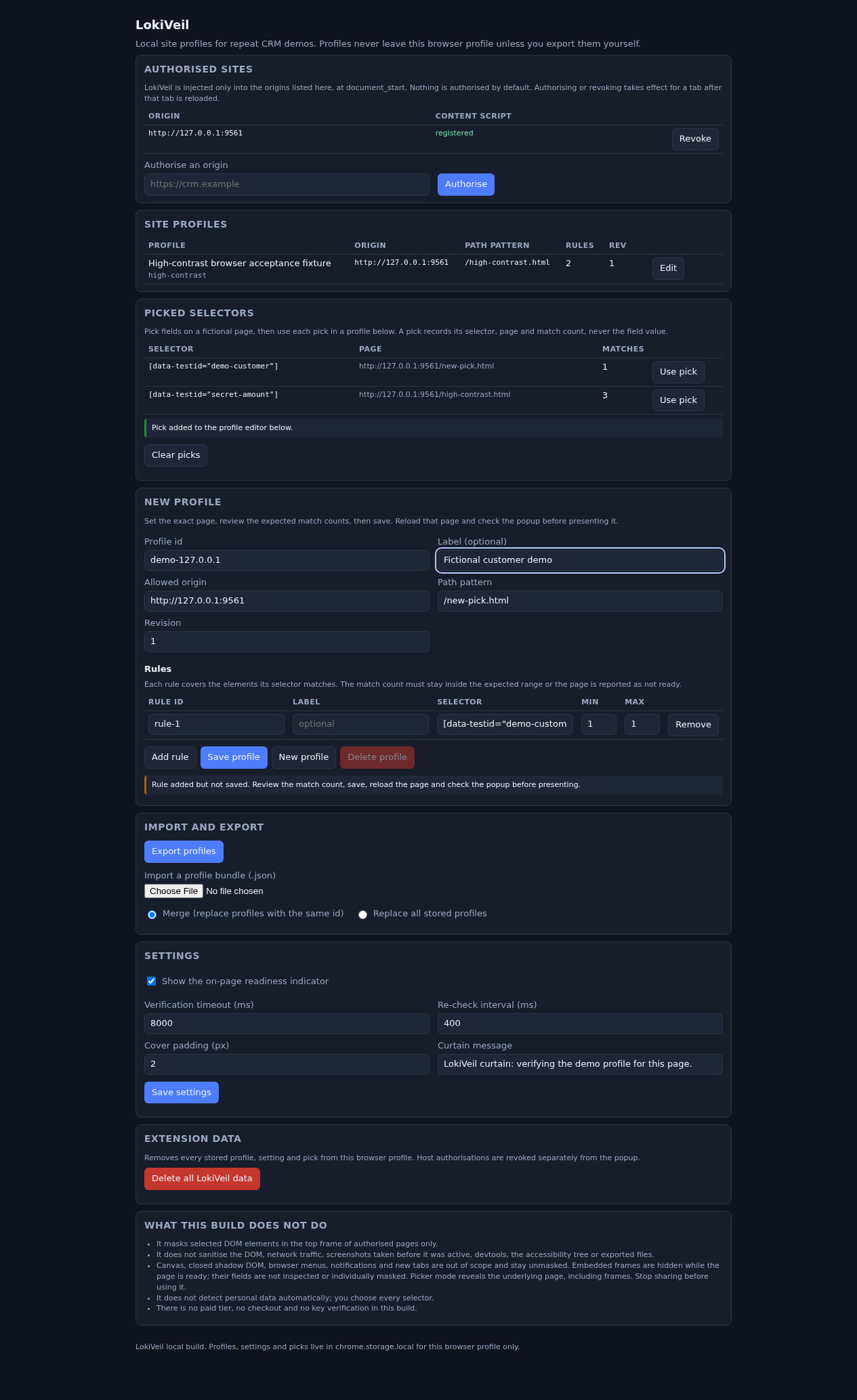
- In Options, choose Use pick for /new-pick.html. Check the exact origin and path, one selector rule and match range1–1. Choose Save profile.
- Reload the fictional page and open the popup. Wait for DEMO READY. Try Force curtain, then Re-check.
- When finished, Revoke site access and reload. Stop the practice server with Ctrl+C.
3. The result
A separate demonstration
The guide’s one-field profile should cover the fictional name. The pictured five-field result is a separate synthetic test, not real-site sanitisation.
This five-field fixture differs from the guide’s single picked field and uses fictional data.
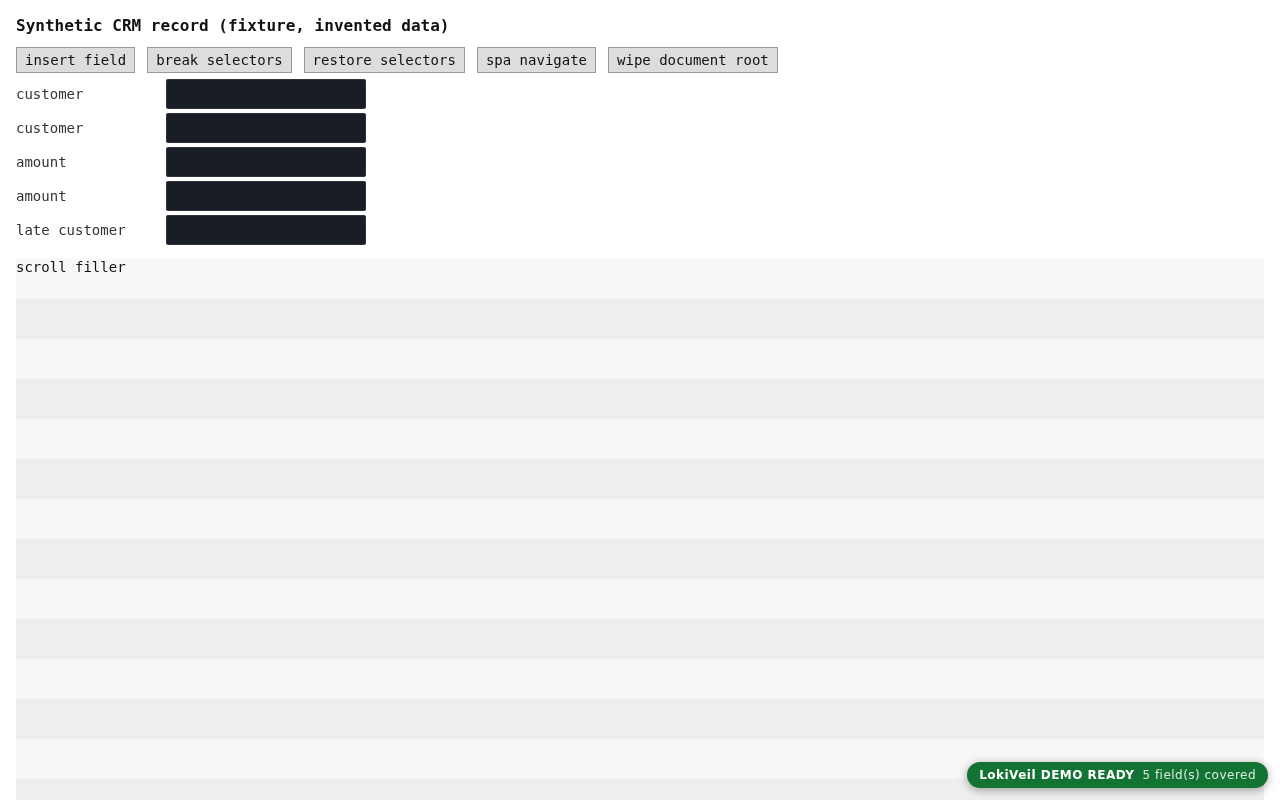
What to check in the practice result
One rule is saved for the exact page. After reload the fictional customer name is covered and the popup reports DEMO READY. Force curtain covers the whole page; Re-check returns to the verified state. Revoke and reload stop the extension on this origin.
What you can expect
LokiVeil 0.1.1 free preview. Pick a fictional field, create and save its page profile, then reload and check readiness. Tested with a real Chrome 152/Linux extension on fictional local pages: permission grant/removal, mask, curtain, picker, saved profile and popup status. Real CRM sites and every intermediate browser frame remain unverified.
Keep in mind
Use fictional data only. This free visual experiment does not protect real private information. Picker mode reveals the page. Embedded frames are hidden while ready; source, network, storage, browser UI and every intermediate frame remain outside the verified scope. Manual installation; no Chrome Web Store listing.
From input to output
Install the 0.1.1 preview and open its fictional practice page.
Authorise that origin, pick a field, then use the pick to save its page profile.
Reload and check DEMO READY. Rehearse the curtain controls, then revoke access when finished.
Experimental demo
Download LokiVeil
Use fictional test data only. Do not use this experiment to conceal real customer or personal information. Read the included installation and privacy limitations first.
SHA-256
19486cc286d41eb9fbded6389795debe945e85daff20e3a102b4b0f0fc59cc53646,187 bytes · License information · Installation help
A practical example
Cover your first fictional field
Start with
The extracted preview includes examples/new-pick.html with the invented customer Fictional Meridian. It contains one matching customer-name field.
Get this result
One rule is saved for the exact page. After reload the fictional customer name is covered and the popup reports DEMO READY. Force curtain covers the whole page; Re-check returns to the verified state. Revoke and reload stop the extension on this origin.
Download free preview 0.1.1, illustrated guide & examples (ZIP)
Examples use fictional or synthetic data. Follow this example step by step.