Forseti
Bring clarity to an exchange support case
Organise an exchange support case, evidence and follow-up requests.
See it in use
Inspect a fictional exchange-response case
A screenshot walkthrough with fictional practice data. Select a step to explore.
1. Start with
Inspect a fictional exchange-response case
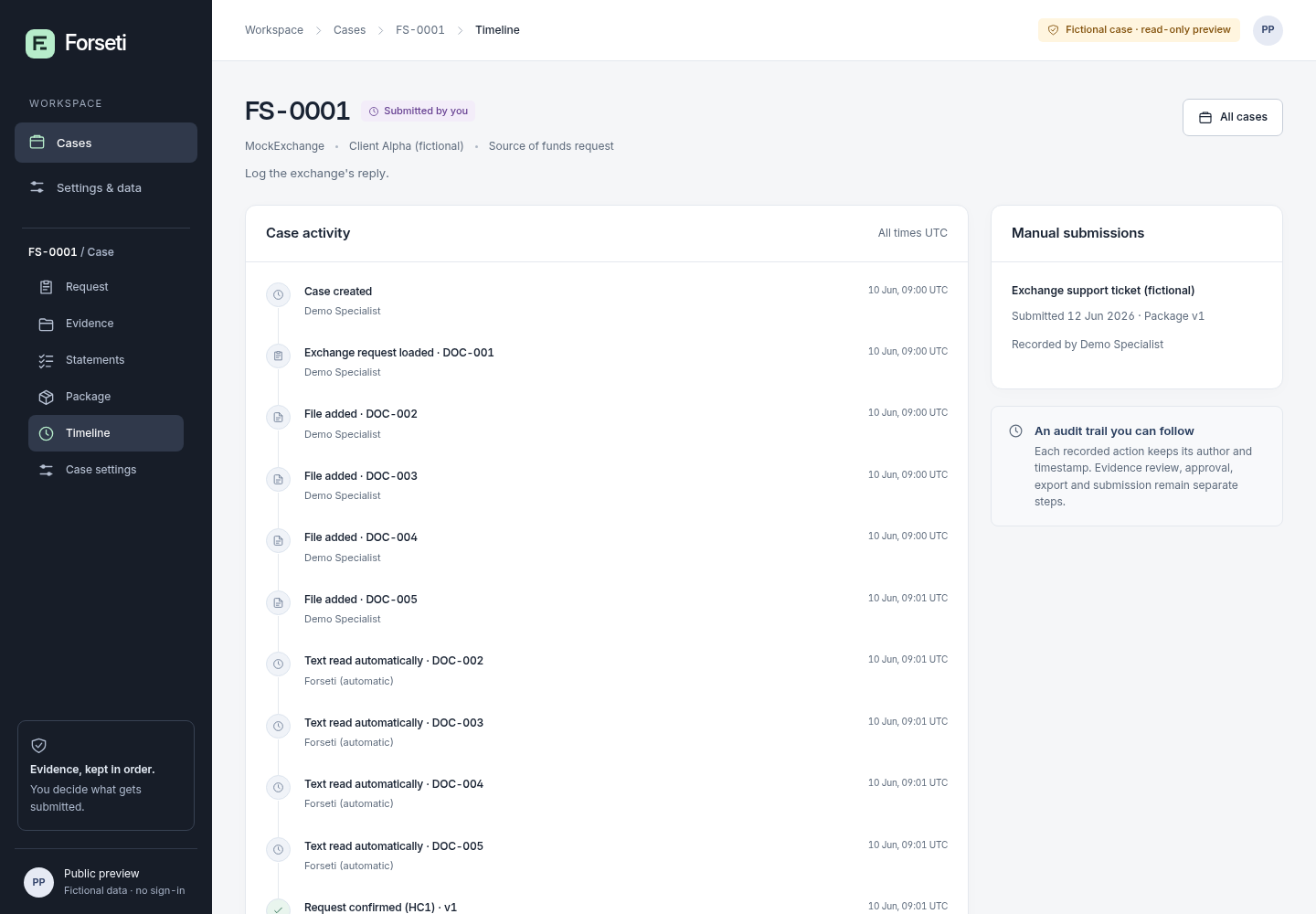
Built-in FS-0001 is a read-only case about a fictional 3,000 USDT deposit.
Sample files and contents
No file needed: the built-in fictional case FS-0001 (Client Alpha, MockExchange, a deposit of 3,000.00 USDT).
Practice files and guides are free. The complete app is included only where the product page says so.
2. In the app
Try it in three steps
- Open FS-0001 and read its request.
- Compare linked evidence, approved response and separate client statement.
- Try the package action to see the preview’s limit.
Show every click and setting
- Open https://perunlight.com/apps/forseti/ and click Open FS-0001.
- Click Request and read requirement Q1.
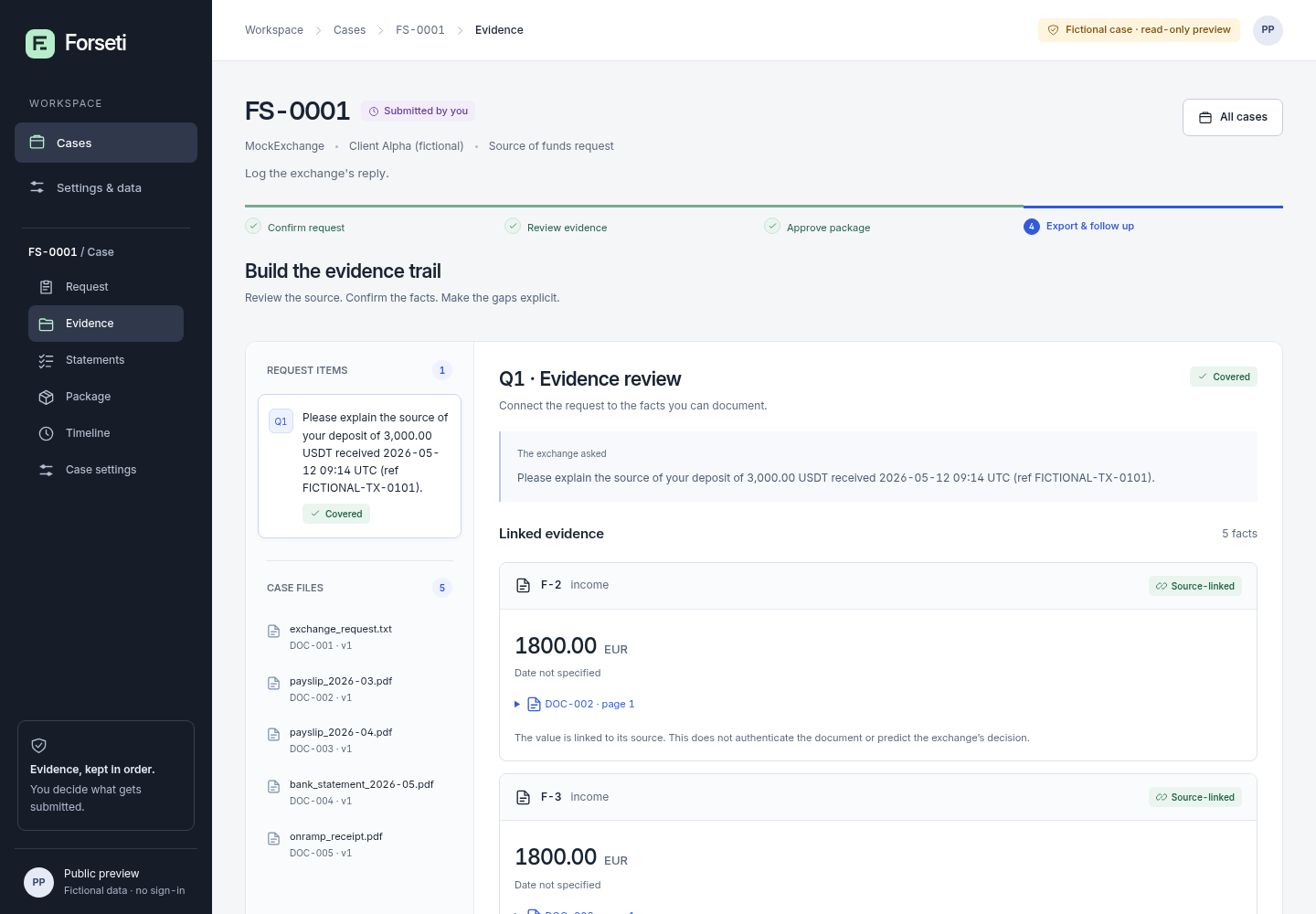
- Click Evidence and look at the facts linked to DOC-002 and DOC-004.
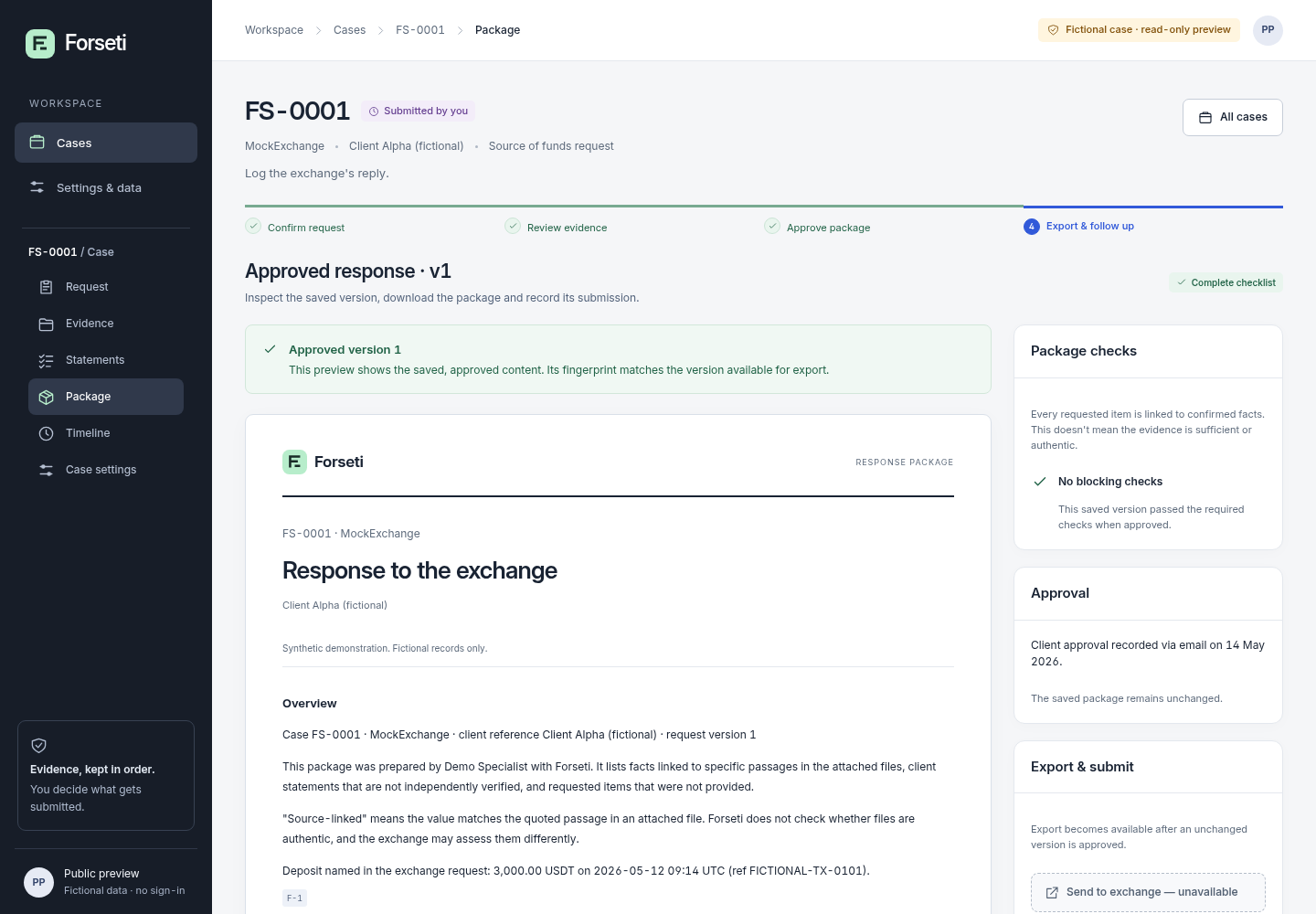
- Click Package and read the approved response.
- Click Statements to see the client statement kept apart from the facts.
- On the Package tab, click Download ZIP.
3. The result
Inspect the result
The same FS-0001 case shows a covered request and approved response. Its response ZIP is unavailable in the public demo.
What to check in the practice result
The request asks the client to explain a 3,000.00 USDT deposit received 2026-05-12 (ref FICTIONAL-TX-0101). Evidence marks Q1 as Covered with 5 linked facts. Package shows “Approved response · v1”; Statements shows “The money is my salary savings.” as a client statement, not a fact. Download ZIP opens “Not available in this demonstration”, because this public preview is read-only. Nothing you do is saved, and no message is sent anywhere.
A fictional read-only case. The demo does not authenticate documents, download a response ZIP or submit a case.
What you can expect
Read-only, fictional case workflow. No customer intake or exchange communication.
Keep in mind
Fictional demonstration only. No real documents, accounts, payments or exchange messages are accepted. No promise of account access or fund recovery.
From input to output
Explore the fictional case and its timeline.
Review the evidence checklist and draft response.
Inspect the example packet summary.
Explore the demonstration
Only fictional, read-only examples are available. Do not enter private case details.
Free preview. License information · Privacy
A practical example
Follow case FS-0001 from request to response package
Start with
No file needed: the built-in fictional case FS-0001 (Client Alpha, MockExchange, a deposit of 3,000.00 USDT).
Get this result
The request asks the client to explain a 3,000.00 USDT deposit received 2026-05-12 (ref FICTIONAL-TX-0101). Evidence marks Q1 as Covered with 5 linked facts. Package shows “Approved response · v1”; Statements shows “The money is my salary savings.” as a client statement, not a fact. Download ZIP opens “Not available in this demonstration”, because this public preview is read-only. Nothing you do is saved, and no message is sent anywhere.
Download guide & practice files (ZIP)
Examples use fictional or synthetic data. Follow this example step by step.
More record-keeping tools
NjordMatch
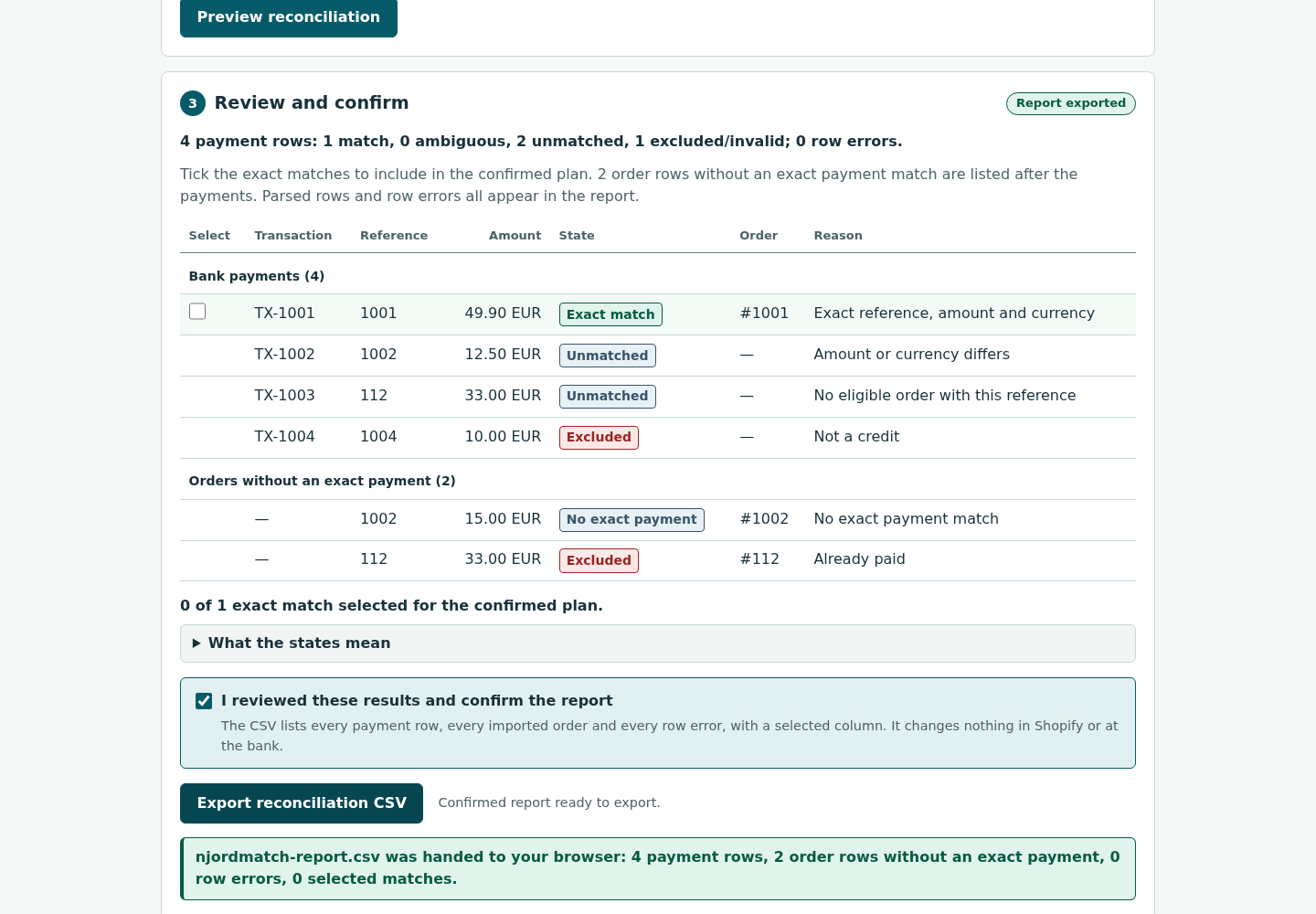
Reconcile bank and Shopify CSV exports locally.
IdunSeed
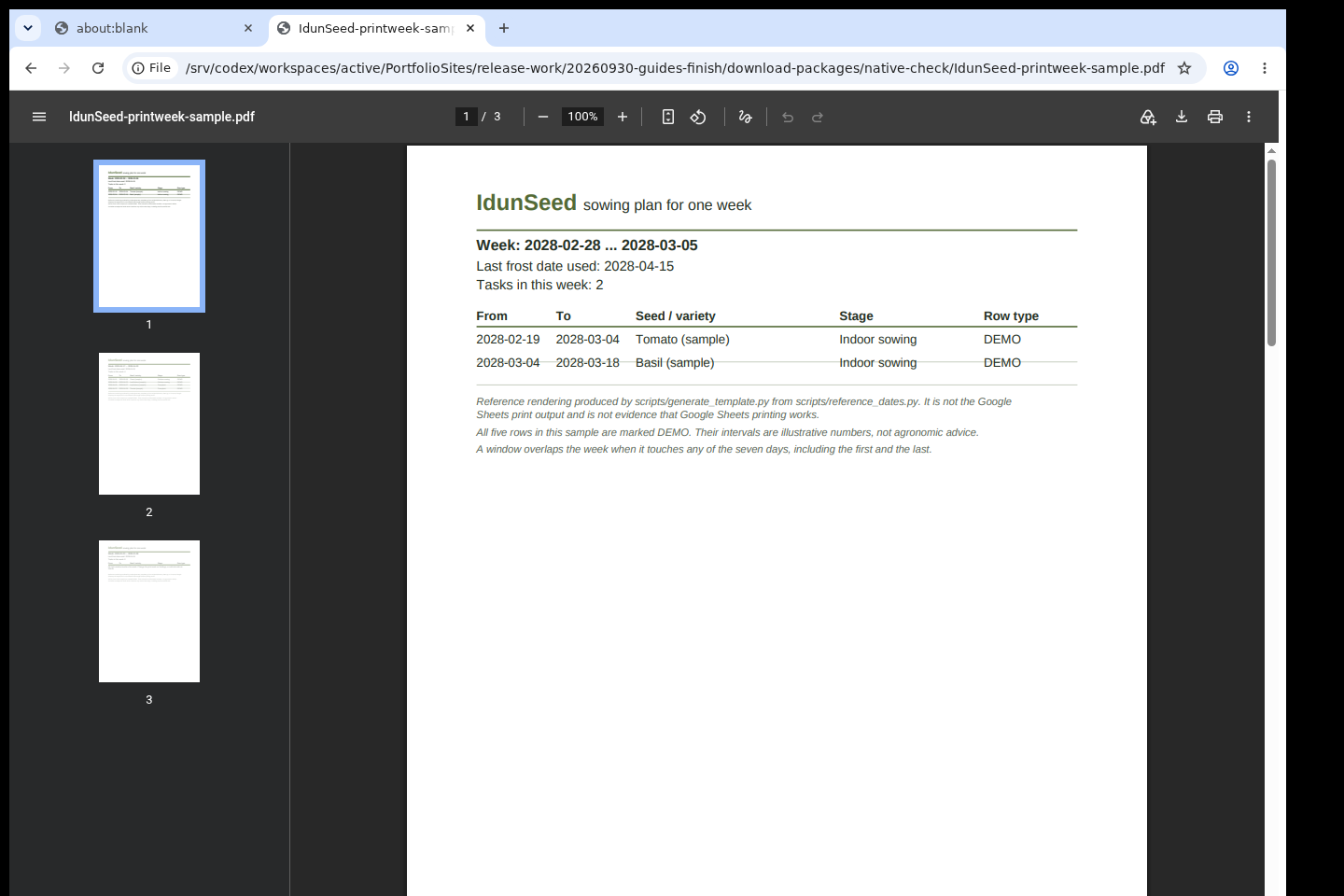
Keep a seed inventory and sowing dates relative to your chosen frost date.
Tyrvika
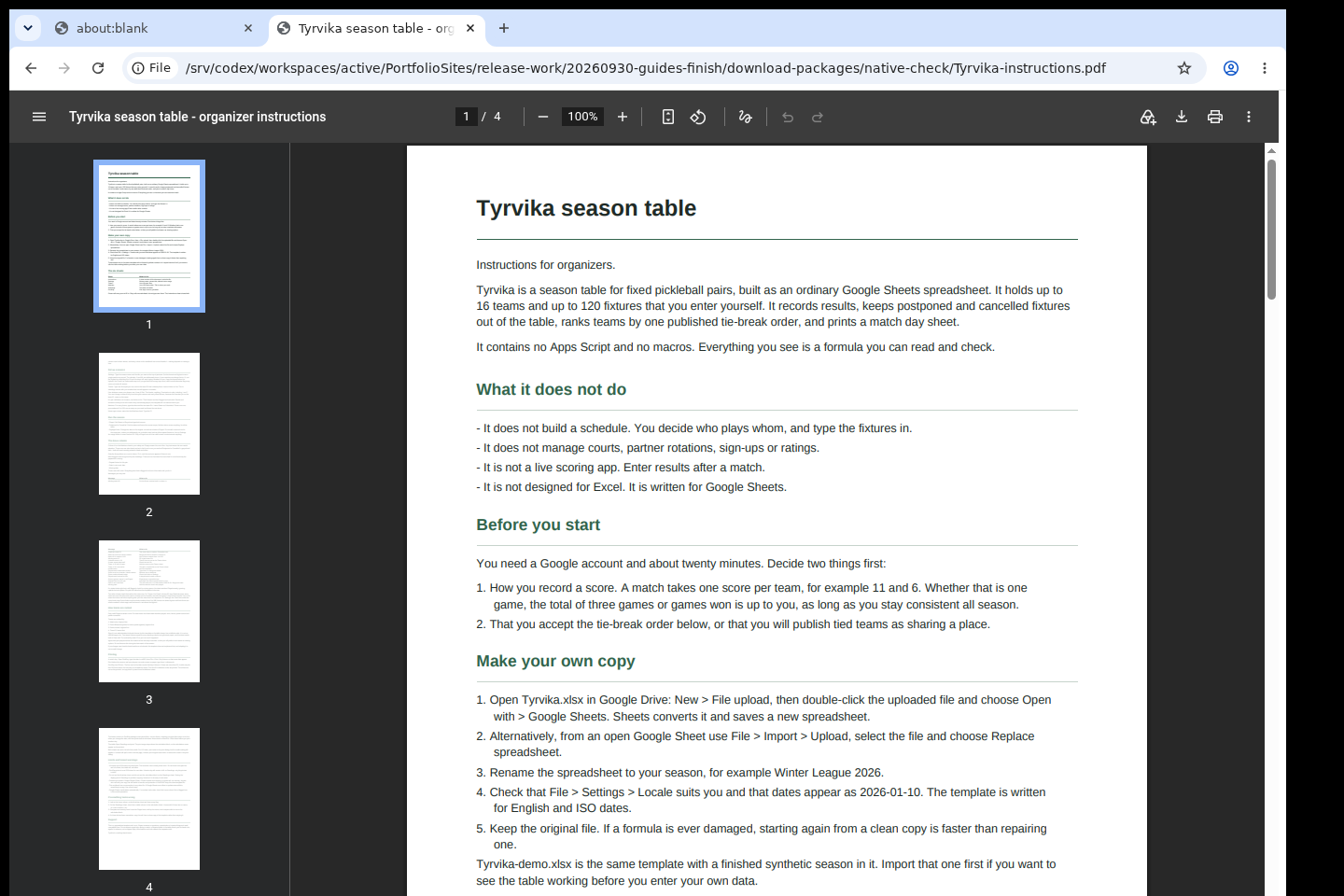
Track a fixed-pair pickleball season and standings.